





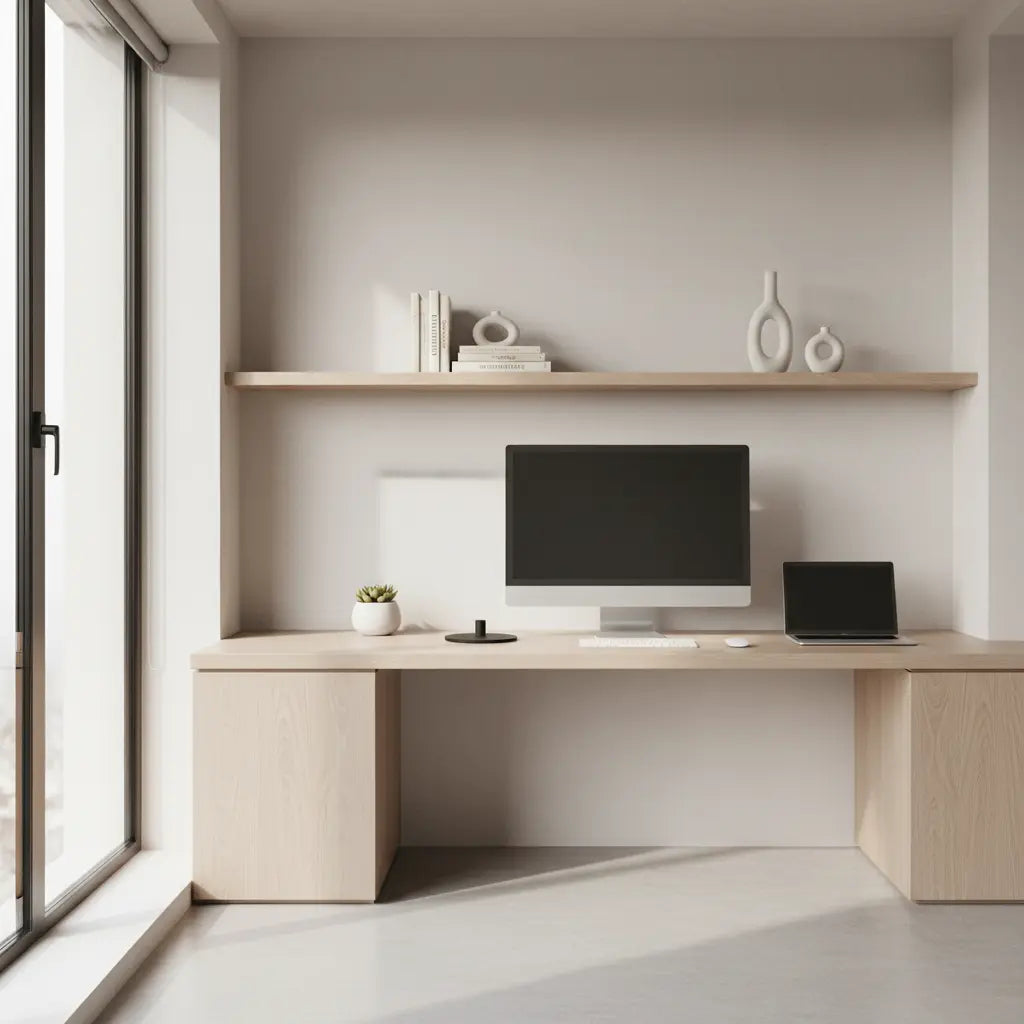
Hidden Cable Minimalist Tech Desks: Achieving a Clean Aesthetic
A truly clean minimalist tech desk in 2026 is less about making every cable disappear and more about smart routing that keeps your workspace visually calm while staying practical for daily work. Most successful setups use hidden channels, under-desk trays, and strategic accessories to organize rather than eliminate wires, delivering the aesthetic you want without sacrificing usability.
Quick Selection Guide: How to Choose Your Setup
For those looking for immediate direction, follow these expert-vetted rules of thumb to ensure your minimalist desk remains functional:
- Prioritize Depth: Aim for a desk depth of 27–30 inches. This provides a "buffer zone" for monitor arms and cable trays without sacrificing legroom or ergonomic focal distance.
- Select Integrated Routing: Choose desks with built-in grommets or rear "scallop" cutouts. These features prevent cables from being pinched against walls.
- Centralize Power: Mount a high-quality power strip (UL-rated for your total wattage) to the underside of the desk. This ensures only one main power cable needs to reach the wall outlet.
- Verify Maintenance Access: Ensure your cable management solution allows you to swap a peripheral (like a mouse or keyboard) in under two minutes without dismantling the entire tray.
Why Cable Management Matters More Than Ever for Minimalist Setups
A clean desk is not just about aesthetics. Good cable management helps maximize usable workspace by keeping cords off the main surface where they compete for room with your keyboard, mouse, and documents. According to general ergonomic principles, effective wire and cable management can help maximize usable workspace in a workstation setup.
At the same time, aesthetics should never come at the expense of ergonomics. Desk layout and equipment placement matter for comfort and safe workstation use, which means your keyboard and mouse should stay at a comfortable height on the work surface while monitors remain at proper viewing distance.
The most common mistake is chasing a completely wire-free look. As observed in many professional setups and supported by OSHA resources on ergonomics, claims about being fully cable-free are usually unrealistic for high-performance tech users. Most setups succeed by hiding and organizing cables rather than eliminating them entirely.
Realistic Thresholds: What Makes a Minimalist Desk Actually Work
Not every desk marketed as minimalist will support effective cable hiding. A practical threshold emerges around desk depth and structural clearance.
The 30-Inch Depth Heuristic
While shallower desks (24 inches) are popular for small spaces, a depth of approximately 30 inches is a common industry benchmark for flexibility. This extra space is crucial because:
- Monitor Arm Clearance: Most high-end monitor arms require 2–4 inches of "swing space" behind the monitor.
- Cable Tray Volume: Under-desk trays for power bricks and excess cord length take up physical volume; a deeper desk ensures these don't interfere with your knees.
- Focal Length: It allows for a healthy distance between your eyes and 27-inch or larger displays, reducing eye strain.
Structural Integrity vs. Cable Routing
When choosing a desk with built-in routing, consider the trade-off between "hiding" and "stability."
- Grommet Placement: Ensure routing holes are not placed directly over support beams or motor housings (in standing desks).
- Tray Weight: If you use heavy power bricks (e.g., for gaming laptops or studio monitors), ensure the cable tray is screwed into solid wood or a metal frame. Avoid adhesive-only trays for high-load setups, as they often fail over time.
Minimalist Desk Fit by Space, Devices, and Work Style
Higher scores indicate a better illustrative fit for the scenario; values are relative, not statistical.
View chart data
| Category | Compact setup + accessories | Built-in cable routing | Flexible routing for sit-stand |
|---|---|---|---|
| Small apartment | 5.0 | 1.0 | 2.0 |
| Dedicated office | 1.0 | 5.0 | 2.0 |
| Standing desk | 3.0 | 3.0 | 5.0 |
This relative comparison shows that compact solutions with accessories often work best in small apartments, while dedicated offices benefit more from built-in routing. Standing desks require flexible routing that accommodates height changes.
Common Myths About Minimalist Cable-Free Desks
Several misconceptions can lead to disappointing purchases. Here are the most frequent ones:
- Myth: A minimalist desk should be completely wire-free. Reality: The realistic goal is cable reduction and organization. Most setups still rely on hidden routing, mounts, and organized power delivery.
- Myth: Hidden cables automatically create a better setup. Reality: Cable management only helps if it improves access. If you have to crawl under the desk for 20 minutes to unplug a USB cable, the setup is over-engineered.
- Myth: Minimalism means you can use a smaller or shallower desk. Reality: Usability still depends on sufficient desk depth, with 30 inches often cited as the practical "sweet spot" for multi-device users.
- Myth: If it looks clean, it is ergonomic. Reality: Ergonomics is about comfortable reach and posture. Never tuck a cable so tightly that it restricts the movement of your mouse or the height adjustment of your monitor.
Desk Types That Support Clean Cable Management
Several desk styles work particularly well for minimalist tech setups in 2026.
L-shaped desks provide extra surface area that lets you route cables along the return section, keeping the main work area clear. They suit multi-monitor users who need space for both work and peripherals.
Straight minimalist desks with clean lines and built-in grommets offer the simplest path to a wire-free aesthetic. These perform best for users with moderate device counts who prioritize a streamlined rectangular footprint.
Standing or sit-stand desks require specialized planning. Adjustable models can support a flexible modern workstation, but you must account for "cable slack." Ensure your main power cable is long enough to reach the outlet at the desk's maximum height without tension, which can damage ports or create a tipping hazard.

Essential Accessories for Hiding Cables
The right accessories often make the difference between a photo-ready setup and one that stays tidy in daily use.
- J-Channel Raceways: These are excellent for horizontal cable runs along the back of the desk. They allow cables to "drop in" easily, making them superior to closed tubes for frequent equipment changes.
- Under-Desk Power Strips: Look for models with wide outlet spacing to accommodate bulky "wall wart" adapters. Safety Tip: Always check the total amperage of your devices; avoid daisy-chaining multiple power strips, which can lead to electrical overloads.
- Weighted Cable Blocks: For cables that must stay on the desk (like phone chargers), weighted blocks prevent them from sliding behind the desk when unplugged.
Scenario-Based Buying Guidance
- The "Prosumer" (3+ Monitors/Docks): Prioritize a desk with a full-width cable tray and at least two grommet holes. You will likely need a 30-inch depth to manage the heat and bulk of multiple power bricks.
- The "Laptop Minimalist": A 24–27 inch desk with a single "scallop" cutout is sufficient. Focus on a high-quality Thunderbolt/USB-C dock to reduce the "cable octopus" effect.
- The Renter: Favor non-damaging solutions like "clamp-on" cable trays and adhesive-backed raceways that can be removed without stripping paint or finish.
Practical Checklist for a Clean Minimalist Tech Desk
Before buying or rearranging your workspace, run through these checkpoints:
- Depth Check: Does the desk provide at least 27–30 inches for comfortable monitor distance?
- Plug Count: Count your devices. Does your power strip have 20% more outlets than you currently need for future expansion?
- Viewing Angles: Sit in your chair. Can you see the "cable nest" from your seated position? If so, lower the tray or add a modesty panel.
- Height Transition: If using a standing desk, move it to the highest setting. Are any cables taut? (They shouldn't be).
- Maintenance Reach: Can you unplug your keyboard without moving the monitor?
- Electrical Safety: Is the power strip securely mounted and away from where your feet might kick it?

Common Pitfalls to Avoid
Avoid desks that force you to sacrifice ergonomics for appearance. A visually stunning setup that causes neck strain or wrist discomfort is not truly minimalist—it’s just poorly designed. Furthermore, avoid "permanent" cable ties (like plastic zip ties) in favor of Velcro wraps. Zip ties make it impossible to adjust your setup without scissors, increasing the risk of accidentally cutting a power cord.
Creating Your Clean Aesthetic in 2026
The intersection of minimalism and practical cable management continues to evolve. By focusing on realistic goals—hiding rather than eliminating cables, maintaining proper ergonomics, and selecting the right configuration for your specific scenario—you can build a workspace that looks calm and feels productive.
Whether you opt for an L-shaped desk with integrated routing or a simple straight desk paired with strategic accessories, the key is matching the solution to your actual needs. Start with the 30-inch depth rule of thumb, ensure your power delivery is centralized, and always leave room for the "human element" of daily work.
Important Note on Comfort and Setup: This article discusses aesthetic preferences and practical workspace organization only. It does not constitute medical advice, diagnosis, or treatment. If you experience persistent discomfort, eye strain, or other symptoms while working, consult a qualified healthcare professional. Individual results depend heavily on room conditions, device quality, personal ergonomics, and proper setup. Always follow manufacturer safety instructions for electrical equipment.
