





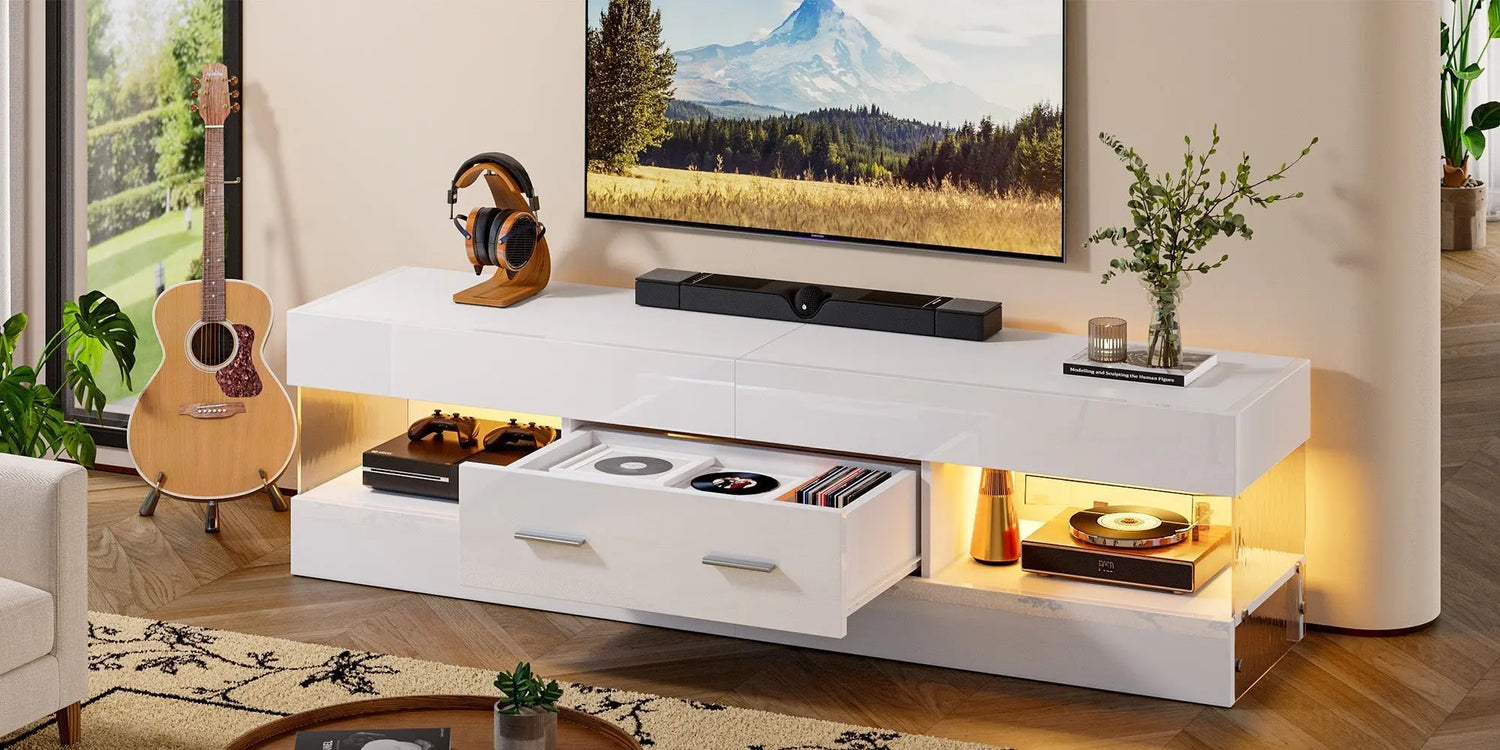
A 70-inch TV looks great, but you need the right stand to keep it stable and balanced. The best size depends on how wide your screen is, your room layout, and where you sit. This guide covers stand width, height, and depth in simple terms. You’ll also find a quick size chart, an easy height calculator, and a practical checklist.
Quick Answer
Before you start measuring your room, it helps to know a safe starting point. Most setups work better when the stand is wider than the TV, tall enough so you’re not straining your neck, and deep enough for the base and all your cables.
For a 70-inch TV, you’re usually looking at:
- Width: around 65 to 80 inches — 70 inches or wider tends to look more balanced
- Depth: around 15 to 20 inches, depending on your TV base and how much airflow you need
- Height: usually 20 to 28 inches, then you adjust based on where you sit
These numbers give you a solid starting point. From there, you tweak things based on where the TV feet sit, whether you have a soundbar, and if you’re mounting the TV on the wall.

Ideal TV Stand Width for a 70-Inch TV (With a Clear Size Chart)
Once you know the basic range, the next step is matching it to how your TV actually sits. “70 inches” is the diagonal measurement, but what really matters for a stand is the TV’s width and where the feet land.
Why the Stand Should Usually Be Wider Than the TV
A 70-inch TV is typically around 61 inches wide. Most setups look and feel steadier when the stand goes past the screen edges. Extra width also gives you room for a soundbar, gaming console, or some décor without things feeling cramped.
Size Chart for a 70-Inch TV Stand
| Stand Width Range | How It Feels | Best For |
|---|---|---|
| 60 to 64 inches | Tight fit | Narrow rooms, minimal accessories |
| 65 to 69 inches | Balanced | Most living rooms, compact media gear |
| 70 to 80 inches | Spacious | Soundbar plus devices, cleaner look |
| 80 inches and up | Statement piece | Large walls, long furniture layouts |
Corner Setups for Smaller Rooms
Some rooms push you toward a corner. A corner TV stand for a 70-inch TV can work well, but check two things before buying: the top surface width at the front edge and the usable depth in the corner, since walls can limit cable space. Corner stands often trade straight-line width for angled placement, so measure carefully.
TV Stand Height Calculator for a Comfortable Setup
Width keeps the TV stable, but height keeps you comfortable. The goal is simple: your eyes should land near the middle of the screen when you’re sitting down.
A Simple Height Formula You Can Use
This quick calculator works for most living rooms.
- Measure your seated eye height from the floor (in inches)
- Estimate the TV screen height — a 70-inch TV is usually about 34 inches tall
- Use this formula: (Seated Eye Height) - (1/2 TV Screen Height) = Ideal Stand Height
Example: if your seated eye height is 42 inches, so a stand height around 25 inches is a good target.
Small Adjustments That Matter
After the math, real-life details kick in.
- A thick TV base might lift the screen a bit
- A soundbar might force the TV higher if it blocks the screen
- Reclining sofas often mean a slightly lower screen center works better
When Wall Mounting Changes the Stand Height Choice
If you wall-mount your TV, you can set it at the perfect height, and the stand just becomes storage and style. In that case, TV stand height matters less for viewing and more for how it looks and what you use it for. If you are decorating a large room, you might even place the TV above an entertainment center for a complete look.

TV Stand Depth Requirements for Cable Space and Ventilation
After height, depth is what prevents headaches. A lot of people don’t think about depth until they’re trying to route cables, fit a power strip, or deal with overheating devices.
Measuring Your TV Base the Right Way
Before you buy, measure the front-to-back depth of the TV feet or center pedestal and the distance from the back of the TV to the wall once cables are plugged in. A stand depth of 15 to 20 inches usually works, but some pedestal bases need more.
Ventilation for Consoles and Streaming Boxes
Crowded shelves trap heat. A little breathing room helps your devices run smoothly. Aim for a few inches of space behind devices, openings for airflow, and cable cutouts that don’t pinch cords.
How to Match Your TV Stand to Your Space Without Guesswork
Now that sizing is clearer, room layout becomes the deciding factor. The stand should fit the wall, clear walkways, and leave space for your seating arrangement.
Wall Width and Visual Balance
A TV stand looks better when it’s not squeezed between doors or windows. If the wall is wide, a wider stand can reduce that “floating screen” look. If the wall is narrow, stay closer to the TV width and keep décor minimal.
Traffic Flow and Clearance
A larger stand can be great, but check your paths. Leave enough clearance for drawers and doors to open, and avoid corners where you’ll be bumping your knees and shins.
Storage Needs That Influence Size
More storage usually means more height and depth. If you need closed storage for games, remotes, or kids’ stuff, plan for it upfront so you don’t outgrow the stand quickly.
Wall-Mounted vs. Freestanding TV Stands for Real Homes
At this point, you can decide whether the TV sits on the stand or goes above it. Both can work well, and each one changes what “best size” means.
When a Freestanding Stand Makes Sense
Freestanding setups are simple. They work well for renters, people who rearrange furniture a lot, and anyone who prefers one piece of furniture that does it all.
How LED Lighting Fits the Decision
Some people want a soft backlight or a modern glow. A 70-inch TV stand with LED lights can add mood lighting and make the media wall feel more finished. A modern TV stand with LED lights usually leans sleek, so just check that the lighting doesn’t eat up shelf space or block ventilation.
70-Inch TV Stand Buying Checklist (With the Details That Matter)
With your layout choice made, a checklist keeps you from missing the small stuff. These points help you shop faster and avoid returns.
Stability and Weight Rating
Look for a stand that feels solid and can handle your TV’s weight. If the TV will sit on the stand, make sure the top panel and hardware are rated for it.
Base Compatibility and Foot Placement
Many TVs have wide-set feet near the edges. Others use a center pedestal. Make sure the stand’s top surface supports your exact footprint.
Style and Proportion
A stand can look great in photos but feel off at home. Try to match the stand’s height and width to nearby living room furniture — especially coffee tables and sideboards — so the room feels consistent.
FAQs About 70-Inch TV Stands
Q1: What size TV stand works best for a 70-inch TV?
A stand around 70 to 80 inches wide usually looks and feels well-balanced. A 70-inch TV is typically about 61 inches wide, so a wider stand improves stability and gives you space for a soundbar or décor.
Q2: Can a 70-inch TV sit on a 60-inch stand?
It can work, but it’s usually a tight fit. The TV might overhang the stand edges, depending on the bezel and where the feet sit. If your TV has wide-set feet, a 60-inch stand might not support them safely.
Q3: How deep should a stand be for a 70-inch TV?
Around 15 to 20 inches deep works for most setups. The best depth depends on your TV base and cable plugs. If you use gaming consoles or receivers, extra depth and rear ventilation space can prevent cramped cables and overheating.
