





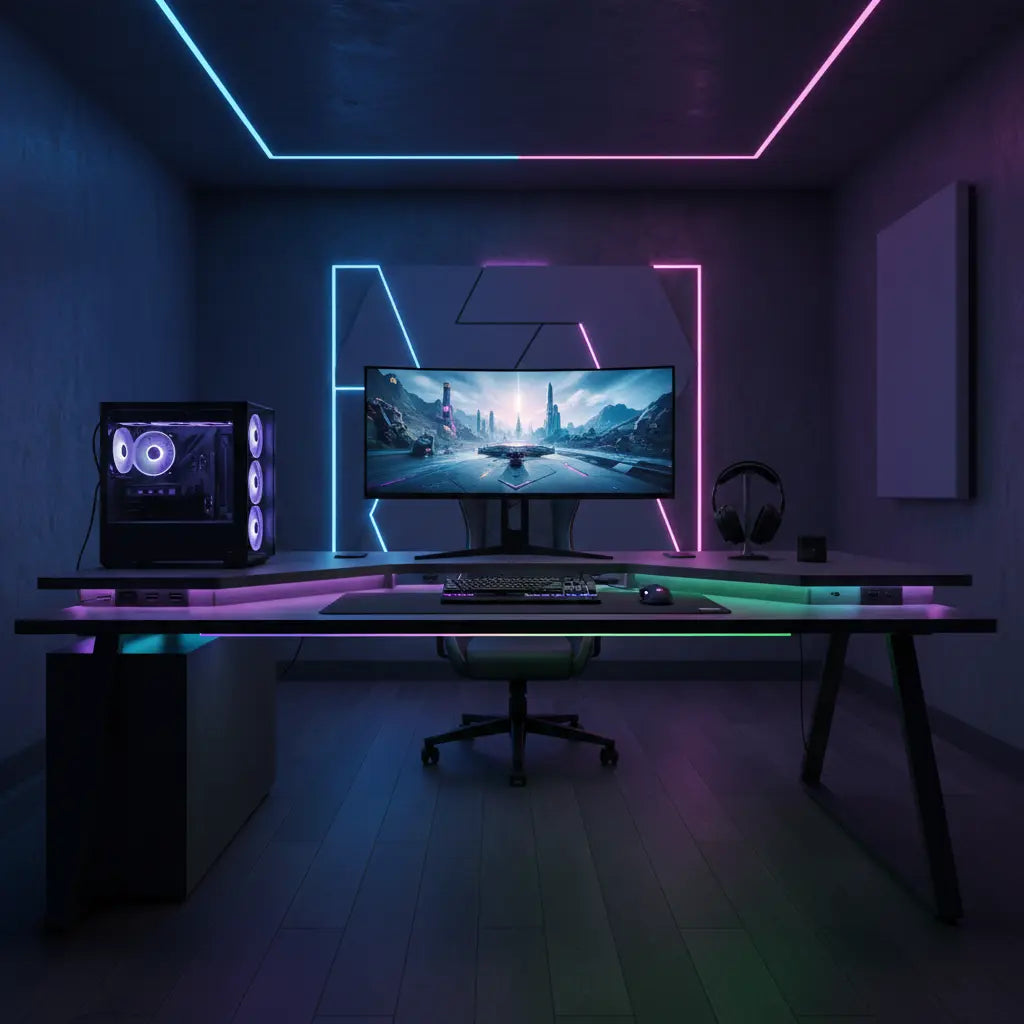
A gaming desk with power outlets brings convenient AC sockets and USB ports directly to your workspace, reducing the need to reach for wall outlets or rely on extra power strips and extension cords. For gamers, streamers, and remote workers managing multiple devices, this integration can simplify daily setup and help minimize visible clutter when your device list stays moderate and well-planned.

While built-in power adds real convenience in many home setups, it is not a complete fix for cable management or an automatic safety upgrade. Users must still respect wattage limits, avoid daisy-chaining, and plan cord routing carefully. This guide explores when a desk with integrated power outlets makes sense, what to check before buying, and how to get the most from the feature in 2026 gaming and productivity setups.
Why Integrated Power Matters in Modern Gaming Setups
Today's battlestations often include a PC or console, multiple monitors, RGB lighting, streaming cameras, microphones, headsets, phone chargers, and laptop power bricks. In small apartments or shared rooms where wall outlets sit awkwardly behind furniture, running separate cords creates trip hazards and visual mess.
A desk with built-in charging station places outlets and USB ports at desk level. This can reduce the number of visible extension cords and make it easier to power peripherals without standing up or crawling under the desk. As official guidance on home electrical safety explains, keeping power access simple and avoiding improper use of extension cords helps reduce common risks in residential spaces (Electrical Home Fire Safety).
For L-shaped gaming desks, integrated power is especially helpful when equipment spans both sections of the desk. Instead of running separate strips across zones, one centrally located power solution can serve both arms more cleanly.

Common Myths About Desks with Built-in Outlets
Several misconceptions can lead buyers to expect too much from the integrated power feature.
Myth: A gaming desk with power outlets automatically solves cable clutter. Reality: Integrated outlets reduce the most obvious cord runs to the wall, but they do not organize cables between devices, hide adapter bricks, or route wires under the desk. Thoughtful cable management remains essential.
Myth: Built-in power is always safer than using a separate power strip. Reality: Safety depends on proper load management, not the location of the outlets. Industry guidance warns against overloading power strips or using them as substitutes for permanent wiring (NFPA Electrical Fire Safety). The same rules apply whether the strip is external or built into a desk.
Myth: USB ports on the desk replace dedicated chargers for all devices. Reality: Desk USB ports are best viewed as convenience outlets for low-power items like phones, headsets, or controllers. They are not universal fast-charging replacements for high-wattage laptops or other demanding gear.
These boundaries keep expectations realistic and help prevent disappointment or unsafe habits.
Who Should Consider a Gaming Desk with Power Outlets
Integrated power delivers the most value in specific scenarios:
- Small apartment or bedroom setups where wall outlets are limited or poorly placed
- Fixed gaming or streaming stations with a consistent set of peripherals
- Home offices that double as gaming spaces for remote workers
- L-shaped desks where power access across both sections improves workflow
The feature shines when it replaces one visible power strip and simplifies daily charging. In contrast, buyers who frequently rearrange gear or run many high-draw devices may find the benefit mostly cosmetic.
A helpful decision framework is shown below. The chart uses illustrative scores to compare convenience across common setups. Higher scores indicate stronger fit based on load, layout stability, and outlet access.
Worth It Score by Setup Scenario
Illustrative decision aid for whether an integrated-power gaming desk is worth it in different setups.
View chart data
| Category | Worth It Score (0-10) |
|---|---|
| Low Load, Fixed Setup, Good Outlet Access | 8.0 |
| Low Load, Changing Setup, Poor Outlet Access | 5.0 |
| Medium Load, Fixed Setup, Good Outlet Access | 7.0 |
| Medium Load, Changing Setup, Poor Outlet Access | 4.0 |
| High Load, Fixed Setup, Good Outlet Access | 3.0 |
| High Load, Changing Setup, Poor Outlet Access | 1.0 |
Heuristic scenario scores based on the provided writer evidence and viewpoint-insighter modules: convenience adds value most for low-to-moderate device counts, fixed setups, good outlet access, and clutter reduction needs; the score is reduced when load is high, the setup changes often, outlet access is poor, or safety/spec checks and cable-management limits dominate. This is illustrative only, not a measured study.
These scores are heuristic and meant only as a visual aid. Real-world performance depends on your specific devices, room layout, and the desk model's electrical rating.
What to Check Before Buying
Before purchasing a gaming desk with power outlets, run through this practical checklist:
- Verify rated capacity. Confirm the total wattage limit (often 1500W for AC outlets) and ensure your combined devices stay well below it.
- Count the outlets and ports. Make sure there are enough AC sockets plus USB and Type-C ports for your typical load.
- Measure cord length. The power cord from desk to wall must reach comfortably without stretching or requiring an extension.
- Review USB specifications. Treat USB ports as convenience charging for low-power items rather than primary chargers.
- Check for internal overload protection. Look for listed surge protection or built-in safeguards as recommended by safety organizations.
- Plan your full cable path. Integrated power works best when combined with under-desk routing and cable sleeves.
As OSHA resources on electrical safety emphasize, checking device load, outlet count, and cord specifications remains important regardless of where the outlets are located (OSHA Electrical Safety).
Don't buy if your setup involves frequent reconfiguration, many high-power devices, or if you would still need additional power strips and extensions. In those cases, a standard desk plus a well-managed external solution may be simpler.
Best Practices for Cable Management with Integrated Power
Integrated outlets are most effective when paired with strong cable management habits. Start by grouping cords by device type and using Velcro ties or sleeves to keep bundles neat. Route cables through desk grommets or under-desk trays to hide them from view.
For LED-equipped desks, ensure wiring for lights does not interfere with power access. Our guide on 5 Cable Management Hacks for LED Gaming Desks offers material-specific tips and safety reminders that complement built-in power features.
In L-shaped configurations, position the power module near the corner or dominant arm so both sides stay within easy reach. This approach works particularly well for streamers who need simultaneous access to lights, microphones, and capture devices.
Explore more setup advice in The Ultimate L-Shaped Gaming Desk Guide for space optimization and ergonomic considerations.
Recommended Models and Where They Fit
Bestier offers several options that combine integrated power with gaming-focused features. The Bestier 52 Inch L-Shaped Gaming Desk with USB Ports provides a spacious reversible layout, power outlets, and LED lighting suitable for both gaming and productivity.
For more compact rooms, the Bestier 42-inch L-shaped Gaming Desk with RGB Music Sync Lights, 3 AC Outlets & Dual Cup Holders includes monitor stands and convenient storage while keeping power access simple.
Larger setups may benefit from the Bestier 58 Inch LED L-Shaped Gaming Desk with Shelves, which adds reversible storage and maintains clean power distribution across the workspace.
These models align with the scenarios where integrated power adds noticeable convenience without overcomplicating the electrical plan. Browse the full Bestier L Shaped Desk collection or Bestier LED Gaming Desk line to compare options.
Safety Boundaries and Responsible Use
This article discusses comfort, convenience, and setup considerations for desks with integrated power. It does not constitute electrical, medical, or safety advice. Integrated outlets do not automatically improve safety margins compared to properly used external power strips. Always verify the desk's electrical ratings, avoid exceeding wattage limits, never daisy-chain power devices, and ensure good ventilation around all electronics.
If you experience persistent issues with power delivery, overheating, or electrical concerns, consult a qualified electrician. For eye strain or ergonomic questions related to long gaming sessions, speak with a healthcare professional.
Final Decision Framework
A gaming desk with power outlets can be the ultimate convenience when your setup features a moderate, stable device list and inconvenient wall access. In those cases, it simplifies charging, reduces visible cords, and supports smoother workflows for gaming, streaming, and work.
However, the feature is not a universal solution. Success depends on matching the desk to your actual load, planning cable paths, and maintaining safe electrical habits. By checking specifications and setting realistic expectations, you can choose a desk that genuinely improves your space rather than adding hidden complexity.
For more on feature-loaded desks, see our review of Gaming Desk Reviews: L Shaped Desk with Charging Port & LED or explore budget-friendly high-tech options in Budget Gaming Desks Under $200.
When evaluating your next upgrade, prioritize desks that match both your style preferences and practical power needs. The right choice keeps your battlestation clean, functional, and ready for action without unnecessary complications.
