





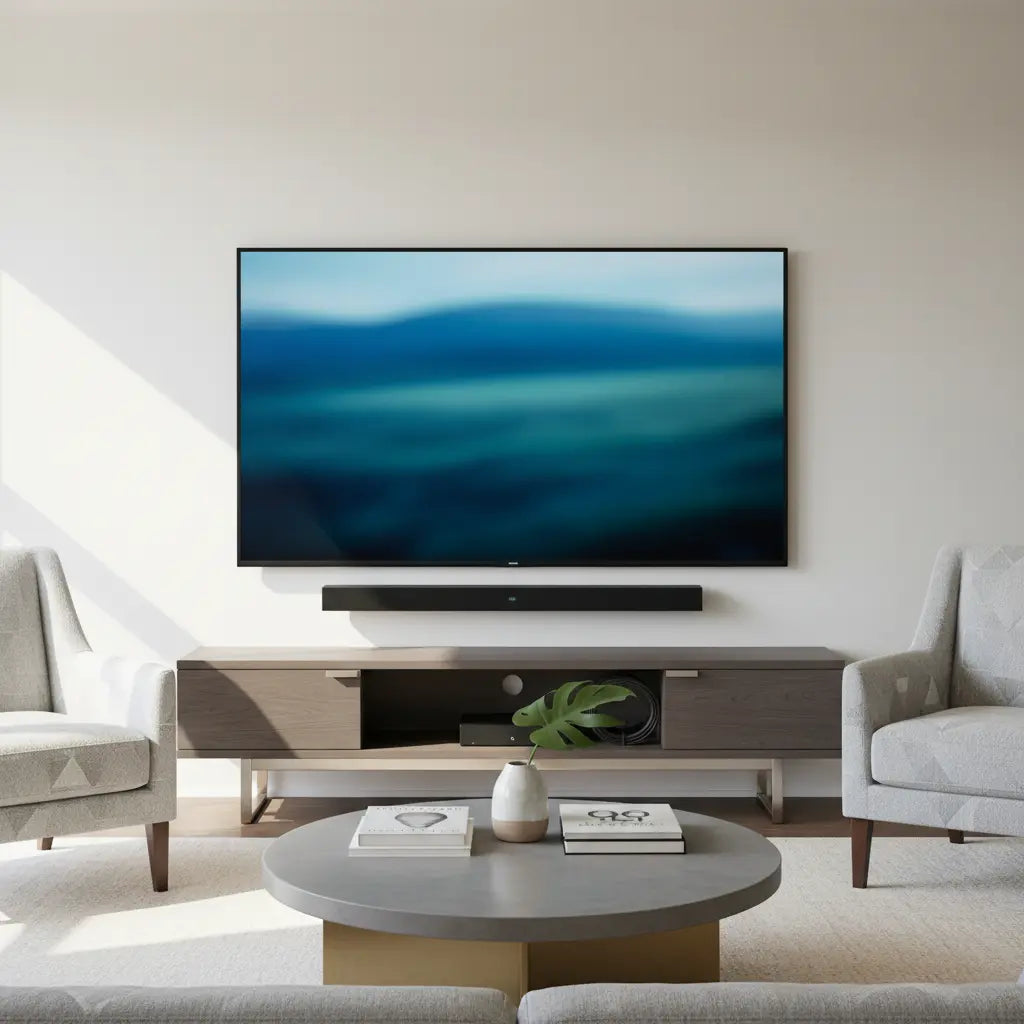
Choosing the right TV stand for a soundbar means measuring your equipment first so the bar sits cleanly without cutting off the bottom of the screen or blocking the remote sensor. Most interference problems can be avoided by confirming the TV's lower bezel height, sensor location, and your soundbar's exact dimensions before you buy.

Why Soundbar Placement Often Goes Wrong
A soundbar placed directly in front of a TV frequently blocks the IR receiver, preventing the remote from working reliably. As this Sony support article explains, the soundbar should not cover the TV's remote-receiving area or overlap the screen edge. The same issue appears across many manufacturer guides: even a few inches of misalignment can create daily frustration with volume control, input switching, or power commands.
Beyond the remote, poor placement can reduce audio performance by reflecting sound into the stand or cabinet instead of toward the room. In compact apartments or family rooms, the problem compounds when the stand is too low or the shelf too shallow for the soundbar's depth and rear cables. Stability also matters—adding a heavy soundbar to a lightly built stand can increase tipping risk with larger TVs.
How to Measure Before You Buy
The safest approach relies on simple measurements rather than hoping a generic stand will fit. Start by noting these dimensions:
- TV bottom bezel height from the bottom of the screen to the surface where the TV sits
- Exact location of the IR sensor or other front-facing receivers (check your TV manual or shine a flashlight to spot it)
- Soundbar height, width, and depth, including any rear ports that need cable clearance
- Desired viewing height so the center of the screen lands at eye level when seated
Leave at least 1–2 inches of visible clearance between the top of the soundbar and the bottom edge of the screen. For larger models like the Sonos Arc, add extra margin because the bar's size makes overhang or sensor conflicts more likely. Shelf depth should accommodate the soundbar plus at least 2–3 inches behind it for cables and airflow.
Here is an illustrative chart showing relative planning thresholds across common setups. These values are heuristic guides derived from measurement-based fit advice and should be verified against your specific gear.
TV Stand Height and Shelf Depth Decision Thresholds
TV Stand Height and Shelf Depth Decision Thresholds chart.
View chart data
| Category | Min vertical clearance | Recommended shelf depth |
|---|---|---|
| Small TV / compact soundbar | 8.0 | 18.0 |
| Mid-size TV / standard soundbar | 10.0 | 20.0 |
| Large TV / tall soundbar | 12.0 | 22.0 |
| TV sensor-friendly setup | 14.0 | 16.0 |
Illustrative thresholds derived from prior threshold-table guidance and common TV/soundbar fit heuristics. Values are relative planning guides, not measured standards or model-certified requirements. Use the higher clearance when the soundbar is taller, the TV is lower-mounted, or front sensors/IR receivers sit near the screen edge.

Choosing the Right TV Stand Height
Stand height directly affects both viewing comfort and soundbar clearance. Follow the general formula of setting the TV center at eye level while seated, then subtract half the TV height. However, when a soundbar is involved, prioritize clearance first: the stand must position the TV high enough that the soundbar does not intrude on the screen or sensors.
In apartments with limited space, a lower-profile stand often works best if the soundbar is compact. Larger living rooms or setups with 65-inch and bigger TVs usually benefit from a taller stand that provides dedicated shelving below the TV. Our guide on choosing the best TV stand height walks through the eye-level calculation in detail.
Shelf Depth and Layout Options
Shelf depth must be sufficient to hold the soundbar securely without forcing it too far forward. Measure your soundbar's depth and add room for power and audio cables. Many modern stands include adjustable shelves or open designs that make this easier.
Three common layouts exist:
- Soundbar on the same surface as the TV – simplest but requires the most vertical clearance.
- Soundbar on a lower dedicated shelf – keeps the bar out of the sensor zone while maintaining clean lines.
- Soundbar mounted below or behind the TV – avoids the stand entirely but may require wall brackets.
For premium long soundbars, an open-front or wider shelf often prevents overhang. Always keep the front of the soundbar unobstructed for best audio dispersion.
Cable Management for a Clean Look
Visible cables quickly ruin the minimalist media center aesthetic. Look for stands with built-in cable routing channels or rear cutouts. These features not only hide wires but also reduce dust buildup around ports. When combined with thoughtful shelf placement, the entire setup stays organized and professional.
Stability and Safety Considerations
A stand that holds both a large TV and soundbar must remain stable on your floor. Check weight capacity ratings and ensure the base is wide enough to prevent tipping. Engineered wood products in quality stands should meet CARB Phase 2 and TSCA Title VI standards for low formaldehyde emissions, especially important in living rooms where families spend time. Read more in our comprehensive guide to engineered wood safety.
Common Mistakes to Avoid
- Assuming any stand that fits the TV size will automatically work with your soundbar
- Placing the soundbar without first locating the TV's IR sensor
- Choosing a shelf that is exactly the soundbar's depth with no extra room for cables
- Ignoring viewing height when prioritizing soundbar clearance
- Skipping a stability check with heavier 70-inch or larger TVs
If your remote suddenly stops responding after setup, reposition the soundbar slightly lower or to the side before assuming a hardware fault.
Room-Specific Recommendations
Apartments and small spaces: Opt for a low-profile or floating-style stand that maximizes floor space while still providing clearance. A compact soundbar pairs well here.
Family rooms: Taller stands with multiple shelves offer storage for streaming devices and gaming consoles while keeping the soundbar below the screen line.
Large-screen setups: Prioritize very stable freestanding or wall-adjacent designs. Extra width helps accommodate longer soundbars without visual crowding.
Use this quick checklist before purchase:
- Confirm TV sensor location and measure bottom bezel
- Verify soundbar dimensions against potential shelf height and depth
- Check that the stand's total height keeps the screen center at eye level
- Ensure weight capacity covers both TV and soundbar
- Look for cable management features
- Test stability on your floor type if possible
Final Thoughts
The best TV stand for a soundbar balances screen clearance, sensor access, audio performance, and room aesthetics. By measuring your specific equipment and focusing on clearance rather than assuming universal fit, you avoid the most common frustrations. Whether you prefer a modern low-profile design or a taller entertainment center with storage, the key is confirming that the soundbar will not block your screen or remote before you commit.
This guidance discusses only setup and comfort considerations for your media center. It does not replace manufacturer instructions or professional installation advice. If you experience persistent issues with remote functionality or audio quality, consult your TV and soundbar manuals or a qualified technician.
For more ideas on sizing and styles, explore our guide to choosing the right size TV stand or browse Bestier TV stands designed with adjustable shelving and cable management in mind.
