





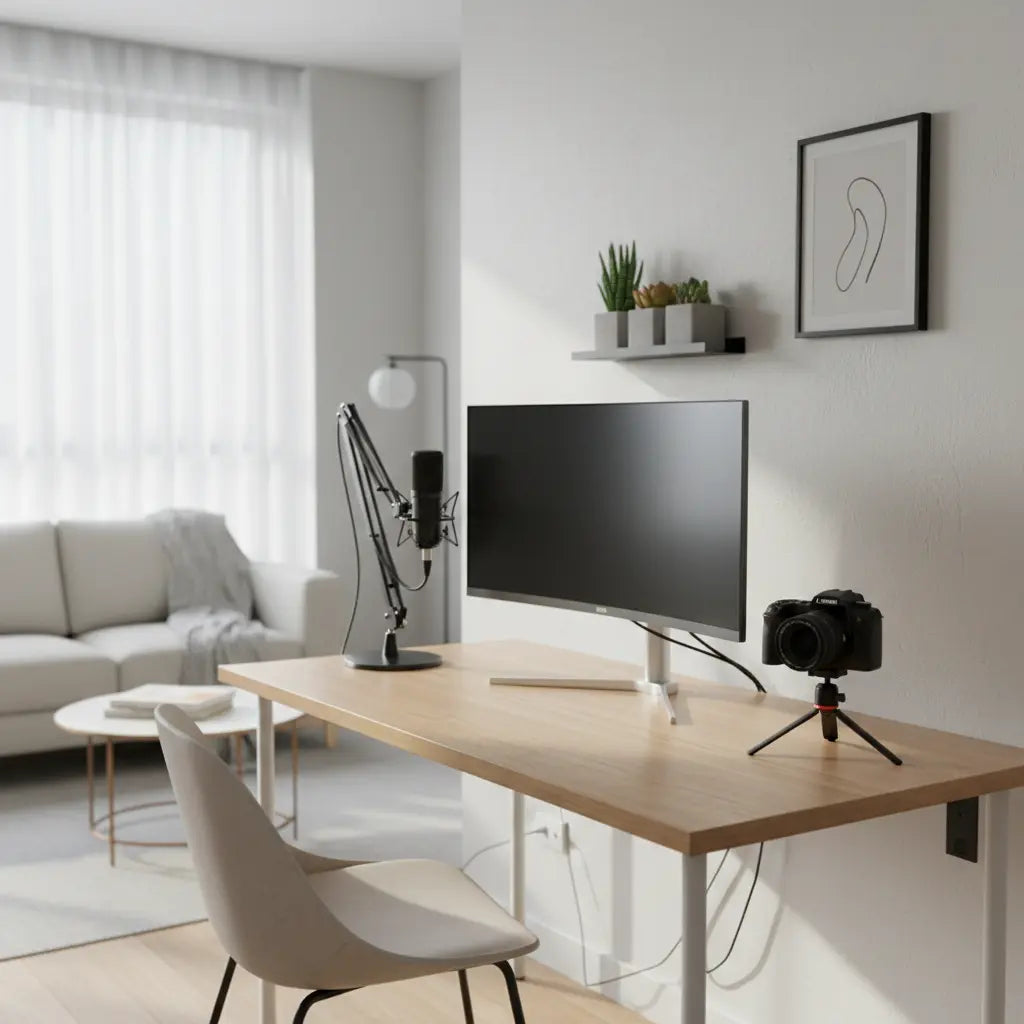
Building Your Small-Space Creator Studio: The Quick Strategy
To build a high-performing studio in a tight apartment, first filter desk types by your room’s footprint and "reset" ability (how quickly it returns to a living space). Select your desk shape—Straight, L-shaped, or Drawer-integrated—based on whether you prioritize filming aesthetics or hybrid work. Finally, complete a technical verification of weight limits, monitor arm clearance, and power access to ensure equipment safety and on-camera neatness.
Building a professional creator studio in a small apartment or bedroom is entirely possible when you prioritize smart layout planning, multi-functional furniture, and practical cable management over flashy gear. The key decision is choosing a compact desk that supports your microphone, camera, lights, and monitor while leaving enough room for everyday living. Focus first on your room's actual dimensions, power access, and daily workflow rather than chasing viral studio aesthetics.

Understanding the Small-Space Creator Challenge
Content creators working from apartments or bedrooms often face the same core constraints: limited square footage, shared living functions, and the need for setups that look polished during filming without dominating the room. Budget-conscious beginners in particular want durable pieces that won't break the bank yet support essential gear without constant rearranging.
According to small-space desk roundups, footprint, storage options, and layout flexibility consistently rank as top buying criteria. These factors matter more than style alone when your studio must coexist with sleeping, working, or relaxing in the same area. Best desks for small spaces highlight how versatile designs help maximize tight footprints.
Ergonomic workstation guidance further emphasizes proper equipment placement, posture support, and lighting quality as foundational for productive sessions. In small rooms, poor ergonomics compound quickly because there's less room to adjust your chair or monitor distance. Kansas State University ergonomics resources provide useful background on these principles.
Important Note on Comfort and Setup: This article discusses practical furniture choices and layout tips for creator comfort in small spaces. It is not medical advice, does not diagnose or treat any condition, and cannot replace professional guidance. If you experience persistent eye strain, back pain, headaches, or other discomfort, consult a qualified healthcare professional. Individual results depend heavily on your specific room, posture habits, lighting conditions, and gear quality.
Core Constraints: What to Filter First
Before shopping, apply a constraint-first filter to avoid purchases that look good online but fail in real apartments.
Critical Boundary Warning: Compact desks are generally optimized for single-monitor or laptop-plus-tablet setups. If you plan to use triple monitors, heavy 32-inch displays, or high-torque mic arms, you must verify the desk's "point load" capacity. Do not assume a compact desk can handle professional studio-grade weight without specific manufacturer confirmation.
Apply these three non-negotiable checks:

-
Footprint and circulation: Does the desk fit without blocking doors, windows, or walkways?
- How to measure: Measure your available wall space, then measure your "Chair Swing Zone." Sit in your chair, push back to your furthest comfortable exit point, and mark the floor. Measure from the desk edge to this mark; most setups require 30–36 inches of clearance for safe movement.
- Functional surface: Can your primary gear (laptop or monitor, mic arm, small light) stay set up without constant shuffling? If every session requires major rearrangement, the desk is likely too small for your workflow.
- Storage and reset: Can accessories disappear quickly so the room returns to livable condition? Vertical storage or integrated drawers often prove more valuable than extra desktop real estate.
Scenario-Based Desk Choices: When the Recommendation Flips
The best apartment-friendly creator desk depends heavily on your room layout and primary use case.
- Small apartment corner with mostly solo work: A corner L-shaped desk often performs best. It turns dead space into a stable zone for dual monitors or a monitor plus camera rig.
- Bedroom streaming or on-camera filming: A straight compact desk usually wins. It preserves cleaner sightlines and creates a less bulky appearance in the background.
- Single-room living where clutter builds fast: Choose a desk with integrated shelves or drawers. The main challenge is keeping mics, lights, and cables off the visible workspace.
- Hybrid work and editing: A straight desk with drawers offers the strongest multi-use flexibility, allowing the surface to reset for non-creator tasks.
- Very tight layouts or frequent repositioning: Start with the most compact straight desk and add modular storage later. Avoid heavy L-shapes if you rent and may need to rearrange seasonally.
Visualizing Fit Across Creator Scenarios
Desk Fit for Apartment Creator Studios
A scenario-based fit map helps readers pick a desk type by room size and creator workflow.
View chart data
| Series | Room fit | Gear storage | Cable management | Aesthetic cleanliness | Multi-use flexibility | Ergonomic comfort |
|---|---|---|---|---|---|---|
| Bedroom streamer: L-shape with outlets | 4.0 | 5.0 | 4.0 | 3.0 | 3.0 | 4.0 |
| Podcast corner: shelf desk | 5.0 | 4.0 | 3.0 | 4.0 | 2.0 | 3.0 |
| Hybrid work + creator: straight desk with drawers | 4.0 | 4.0 | 4.0 | 4.0 | 5.0 | 4.0 |
| Minimal edit bay: minimalist desk | 5.0 | 2.0 | 3.0 | 5.0 | 4.0 | 3.0 |
| Tiny room all-rounder: compact power desk | 5.0 | 4.0 | 5.0 | 4.0 | 3.0 | 4.0 |
Note on Selection Logic: The radar chart above is an illustrative heuristic intended for directional selection. These scores are experience-based estimates of how different configurations generally perform and do not represent the technical performance of any specific product. Always verify actual dimensions, weight capacity, and material specifications against your specific gear before purchase.
Equipment Loading & Stability Verification
One of the most common mistakes in small-space setups is overloading a compact desk, leading to "monitor wobble" or structural failure. Before finalizing your purchase, perform this technical audit:
-
Check the "Static vs. Dynamic" Load: Most desks list a total weight capacity (e.g., 100 lbs). However, if you use a monitor arm, the "point load" at the clamp is much higher.
- How to verify: Check if the desktop is solid wood or high-density MDF. Avoid clamping heavy arms to thin, hollow-core "honeycomb" boards.
-
Verify Monitor Arm Clamp Compatibility:
- How to check: Look at the "Clamp Range" in your monitor arm specs. Then, measure your desktop thickness (usually 0.6" to 1"). If your desk has a metal support frame under the wood, measure the "flat overhang"—the distance from the edge to the first metal obstruction—to ensure the clamp has a flat surface to grip.
- Stability Check: Look for desks with a "cross-bar" or reinforced leg joints. Lightweight 4-leg desks often wobble during typing, which translates to shaky camera footage.
-
Cable Bend & Ventilation:
- How to judge: If the desk sits flush against a wall, ensure there is a 1-2 inch gap. Power cables should not be bent at 90-degree angles against a wall, as this can cause internal wire damage and heat buildup.
Alternative Strategies (If the desk doesn't meet specs):
- If the desk is too small for a mic arm: Use a floor-standing boom arm to save desk space.
- If the desk is too thin for a monitor arm: Use a wide-base monitor stand to distribute weight across the surface.
- If the desk lacks stability: Place the desk against two walls (a corner) to use the room's structure for lateral support.
Practical Setup Tips for Apartment Studios
- Cable management: Route cords behind the desk using adhesive clips or magnetic trays. Our complete masterclass in gaming desk cable management offers no-drill hacks suitable for rentals.
- Lighting and camera positioning: Position your main light to the side or above to avoid harsh shadows. Test camera angles early—many small-room regrets stem from discovering poor background visibility only after assembly.
- Vertical storage: Wall-mounted shelves or a nearby bakers rack with power outlet can hold lights and props without consuming desk space. This approach aligns with strategies in the studio apartment survival guide.
- Ergonomics in tight spaces: As a general rule of thumb, aim for at least 24–30 inches of depth for comfortable typing. Keep your monitor at eye level and ensure your chair height allows feet to rest flat.
Consider materials carefully. Many compact desks use engineered wood; understanding standards like CARB Phase 2 and TSCA Title VI helps ensure better indoor air quality in small apartments. Review our engineered wood safety guide for verification steps.
Myth vs Reality: Hidden Tradeoffs
- Built-in power outlets: They reduce visible cords but can create heat buildup. How to check: Look for the "Total Wattage" or "Amperage" on the power strip label. Ensure the combined draw of your PC and lights doesn't exceed this rating (typically 1500W-1800W for standard strips).
- RGB or LED lighting: Great for ambiance but frequently causes color spill on camera. Plan separate, neutral task lighting for filming.
- Multi-level shelves: Extra storage sounds ideal until added weight affects stability. Keep combined loads well under stated limits.
Buying Checklist: What to Verify Before Purchase
- Exact Dimensions: Measure width, depth, and the 30-36" "swing zone" for your chair.
- Weight Audit: Total the weight of your gear. As a safety heuristic, we recommend aiming for a 20% buffer below the desk's max capacity; always defer to the manufacturer's specific point-load limits.
- Clamp Compatibility: Confirm the desktop thickness and "flat overhang" depth match your monitor arm or mic clamp.
- Power Access: Identify the nearest wall outlet. If using the desk's built-in power, verify it has a UL or ETL certification label on the housing.
- Aesthetic Fit: Does the finish support a clean, modern look or lean too heavily into gaming themes that might clash with your brand?
- User Feedback: Search reviews specifically for "wobble" or "assembly time" to gauge real-world stability.
For budget-conscious creators, look at options like the Bestier 47-inch Small L Shaped Desk with Storage Shelves for corner efficiency, the Bestier 48 Inch Office Computer Desk with Drawers for hybrid use, or Bestier 41.7 inch Gaming Desk with LED Monitor Stand for integrated storage. Browse the full Bestier Computer Desk collection for more options.
Creating a Sustainable Creator Workflow
A successful apartment studio balances functionality with livability. The goal is a space that supports high-quality content creation without making the rest of your apartment feel like a permanent construction zone. Many creators find that starting minimal—quality mic, basic lighting, one reliable monitor—and building storage around actual pain points leads to fewer regrets than loading up on features upfront.
Ultimately, the most effective small-space creator studios succeed through thoughtful constraints. By matching desk configuration to your specific room challenges, managing cables proactively, and maintaining ergonomic fundamentals, you can produce professional content while keeping your apartment comfortable for daily life.
