





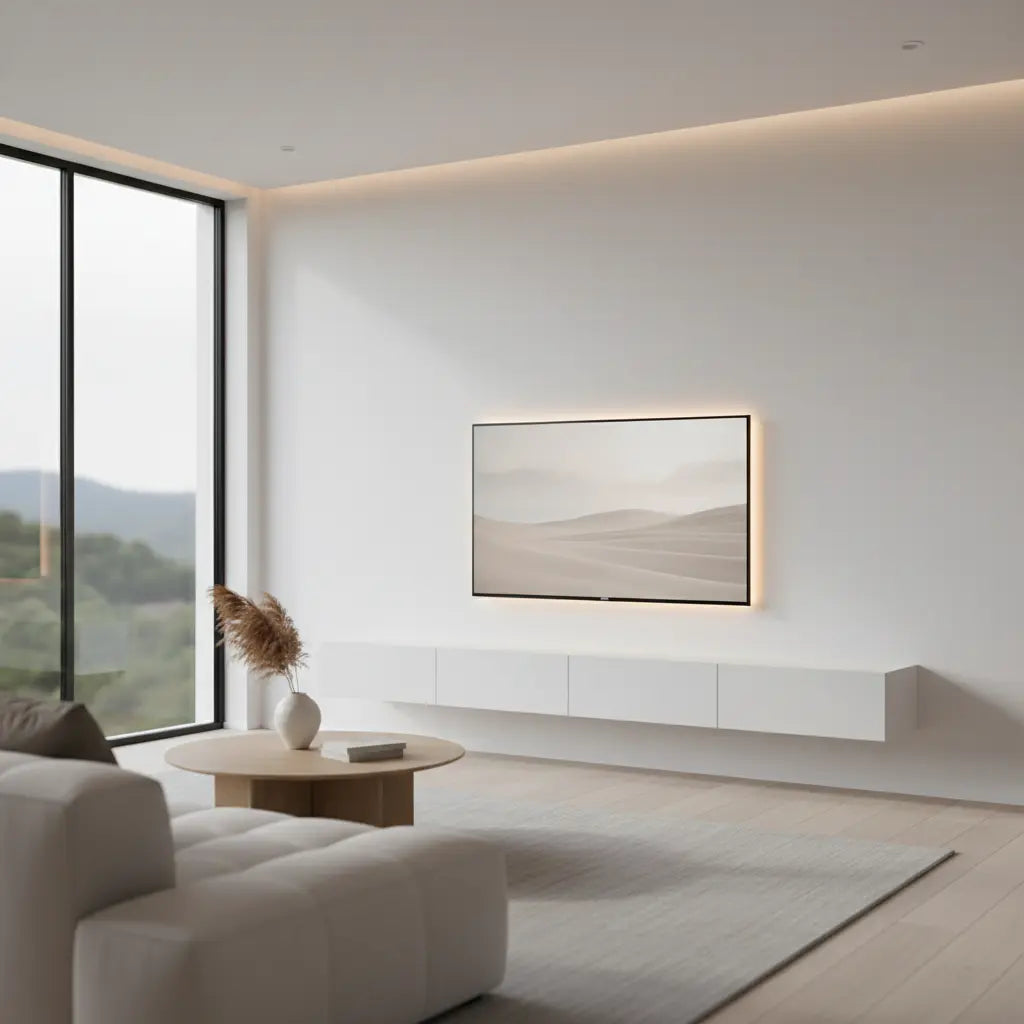
Floating LED TV Stands: The Minimalist Media Console Guide
Disclaimer: This guide provides general information for home improvement and interior design. Structural safety and indoor air quality are critical; always consult a professional installer if you are unsure of your wall's composition and refer to local building codes. The author and publisher are not liable for damages or injuries resulting from improper installation or reliance on these estimates.
Summary
Floating LED TV stands represent the modern convergence of minimalist interior design and functional ambient technology, offering a space-saving alternative to traditional floor-mounted consoles. In 2026, these units are increasingly valued for their ability to provide scientifically-backed bias lighting that reduces eye strain while adhering to rigorous safety standards for wall-mounting and indoor air quality. By elevating the media hub, homeowners can achieve a clutter-free aesthetic that integrates seamlessly with smart home ecosystems.
Key takeaways
- Space Optimization: Wall-mounted designs free up floor space, creating a more open feel in smaller living areas or dedicated gaming rooms.
- Visual Comfort: Integrated LED lighting serves as effective bias lighting, balancing the contrast between a bright screen and a dark room to minimize ocular fatigue.
- Safety Compliance: High-quality units must meet CARB Phase 2 and EPA TSCA Title VI standards to ensure low formaldehyde emissions.
- Engineering Requirements: Successful installation depends on matching the console's weight capacity with appropriate wall anchors and stud alignment to prevent structural failure.
- Smart Integration: Modern 2026 systems utilize Matter and Thread protocols for synchronization with broader smart home ecosystems.
The Aesthetic and Functional Evolution of Media Centers
The transition from bulky entertainment centers to minimalist floating consoles reflects a broader shift in home decor toward "lightness" and multi-functional utility. By elevating the media hub off the ground, homeowners can achieve a cleaner look that simplifies floor maintenance and enhances the perceived size of a room.
When deciding on a setup, many users weigh the comparison of floating vs floor-mounted TV stands to determine which configuration best suits their structural constraints. While floor units offer easier installation, floating models provide a sophisticated, built-in appearance that conceals the "visual noise" of legs and bases. In 2026, the "RGB-fication" of these units has evolved into sophisticated, addressable lighting systems (ARGB) that can be synced with on-screen content or ambient music.
The Science of Bias Lighting: Enhancing Visual Comfort
Integrated LED lighting in a TV stand serves a critical ergonomic function known as bias lighting. According to research from the Lighting Research Center (LRC), viewing a bright screen against a dark background causes the pupils to fluctuate rapidly, leading to "digital eye strain."
By placing a light source behind the screen—integrated into the floating console—you create a neutral glow that raises the ambient light level without causing screen glare. The National Institutes of Health (NIH) has noted that managing luminance contrast is a key factor in reducing ocular fatigue during extended viewing sessions.
For optimal results, lighting experts recommend a color temperature of approximately 6500K (D65), which mimics natural daylight. This prevents color distortion and improves the perceived contrast of your television, making blacks appear deeper. Modern floating stands in 2026 often feature Addressable RGB (ARGB) strips, allowing for granular control to maintain this 6500K neutral white while offering the flexibility of dynamic colors for gaming.
Engineering Safety: Weight Capacities and Load Modeling
Installing a floating TV stand requires more technical planning than standard furniture because the load is cantilevered—meaning the weight pulls away from the wall (tension) while also pushing down (shear).
Cantilever Load Calculation Example
To ensure safety, we recommend a 1.5x to 2x safety factor.
- Console Weight: 45 lbs
- TV Weight (if resting on stand): 55 lbs
- Accessories (Consoles, Soundbar): 20 lbs
- Total Static Load: 120 lbs
- Required Capacity (with 1.5x safety factor): 180 lbs
In this scenario, the mounting system must be rated for at least 180 lbs. If the TV is wall-mounted separately, the stand only needs to support its own weight and the accessories.
| Wall Type | Recommended Anchor/Hardware | Estimated Weight Capacity (per point)* |
|---|---|---|
| Wood Studs | Lag Bolts (min 2.5") | 50–100 lbs (23–45 kg) |
| Drywall (No Stud) | Heavy-Duty Toggle Bolts | 10–25 lbs (4.5–11 kg) Not recommended for main support |
| Concrete / Brick | Expansion Anchors | 75–150 lbs (34–68 kg) |
| Metal Studs | SnapToggle Anchors | 30–60 lbs (13–27 kg) |
*Note: Estimates based on BIFMA X5.5 testing protocols for horizontal surfaces. Always refer to the specific manufacturer's manual for rated limits.

Material Quality and Indoor Air Safety Standards
Most floating TV stands are constructed from engineered wood like MDF or particle board. To protect indoor air quality, the California Air Resources Board (CARB) and the EPA have established strict engineered wood safety standards (CARB & TSCA compliant).
How to Verify Compliance:
- Check the Stamp: Look for a compliance stamp on the back panel or underside of the unit.
- Packaging Labels: Look for the "CARB Phase 2" or "TSCA Title VI" logo.
- Certificate of Compliance (CoC): Review the manufacturer's CoC on their official website to ensure formaldehyde levels are below the 0.11 ppm threshold for MDF.
Sizing Your Floating Console for Modern Displays
A common mistake is choosing a stand that is too small, which creates a top-heavy visual. Interior design heuristics suggest the console should be at least 20% wider than the TV.
For those with larger displays, understanding proper TV stand sizing for 70-inch televisions is essential. A 70-inch TV is roughly 61 inches wide; therefore, a floating stand should be 72 to 80 inches long for aesthetic harmony. Ergonomically, the center of the TV should be at eye level, typically placing the stand 20 to 24 inches off the floor.
Optimized Ventilation for High-Performance Gaming
For gamers, a floating TV stand must facilitate airflow for consoles like the PS5 or Xbox Series X. Proper gaming console ventilation considerations include maintaining at least 3-4 inches of clearance on all sides. Floating units are advantageous here, as the lack of legs allows for better air circulation around the bottom of the unit compared to low-profile floor stands.
Professional Cable Management for a Zero-Wire Aesthetic
The "floating" illusion is shattered by tangled cords. Achieving a minimalist look requires proactive organization.

Consider these cable management solutions for clean setups:
- In-Wall Routing: Use a brush-plate kit to run wires behind the drywall.
- Surface Raceways: For renters, use paintable D-line raceways to hide cables without cutting the wall.
- Power Strip Mounting: Use adhesive strips to mount a power bar to the back of the stand, so only one main cord travels to the outlet.
The 8-Step Pre-Installation Checklist
Before drilling into your wall, follow this checklist to ensure a secure and level installation:
- Inventory Check: Confirm all hardware (brackets, screws, anchors) is present.
- Weight Audit: Calculate the total load (Console + TV + Devices) and compare against the stand's rated capacity.
- Wall Identification: Determine if you are mounting to wood studs, metal studs, or masonry.
- Stud Location: Use a stud finder to mark the exact center of the studs.
- Height Calibration: Sit on your sofa and mark the eye-level point to determine the mounting height.
- Leveling: Use a bubble level to mark the bracket locations; do not rely on the floor or ceiling for "level."
- Tool Preparation: Ensure you have a drill, the correct bit size for your anchors, and a socket wrench for lag bolts.
- Power Access: Confirm that your cables can reach the nearest outlet or that the stand doesn't block the wall socket.
Future-Proofing: Smart Home Integration in 2026
In 2026, the latest floating LED TV stands integrate with Matter and Thread protocols. This allows your stand's lighting to communicate with other smart devices. For example, your stand's LEDs can automatically dim when you start a movie or flash a specific color when your smart doorbell rings. The shift toward ARGB means you can have a soft warm glow on the bottom shelf while the top edge provides dynamic bias lighting that reacts to on-screen colors.
FAQ
Are floating TV stands safe for heavy televisions? Yes, provided they are installed into wall studs using appropriate hardware. Refer to our Pre-Installation Checklist above to ensure you have accounted for the total load and safety factors.
How do I hide the wires if I can't cut into my wall? For renters or those with concrete walls, surface-mounted cable raceways are the best option. These can be painted to match your wall color.
What is the difference between RGB and ARGB lighting? RGB lighting changes the entire strip to one color. ARGB (Addressable RGB) allows each individual LED to be controlled independently, enabling gradients and "chasing" effects.
Can a floating TV stand be installed on a plaster wall? Yes, but standard drywall anchors will not work. You must locate the original wooden studs behind the lath and use long lag bolts to ensure a secure connection.
Do LED lights on TV stands use a lot of electricity? No. A typical 10-watt LED strip used for 5 hours daily consumes roughly 1.5 kWh per month, costing approximately $0.24 at average utility rates ($0.16/kWh).
References
Government / Standards / Regulators
- EPA TSCA Title VI - Formaldehyde Emission Standards
- California Air Resources Board (CARB) - ATCM
- CPSC - Furniture Tip-Over Safety
Platform official docs & policies
Industry associations / research institutes
- ANSI/BIFMA X5.5-2021 - Desk and Table Products - Tests
- Illuminating Engineering Society (IES) - Residential Lighting
Academic / Labs
- Rensselaer Polytechnic Institute - LRC: Bias Lighting Effects
- National Institutes of Health (NIH) - Digital Eye Strain Research
Explore our complete TV stand collection to find the perfect match for your home.
