





Summary
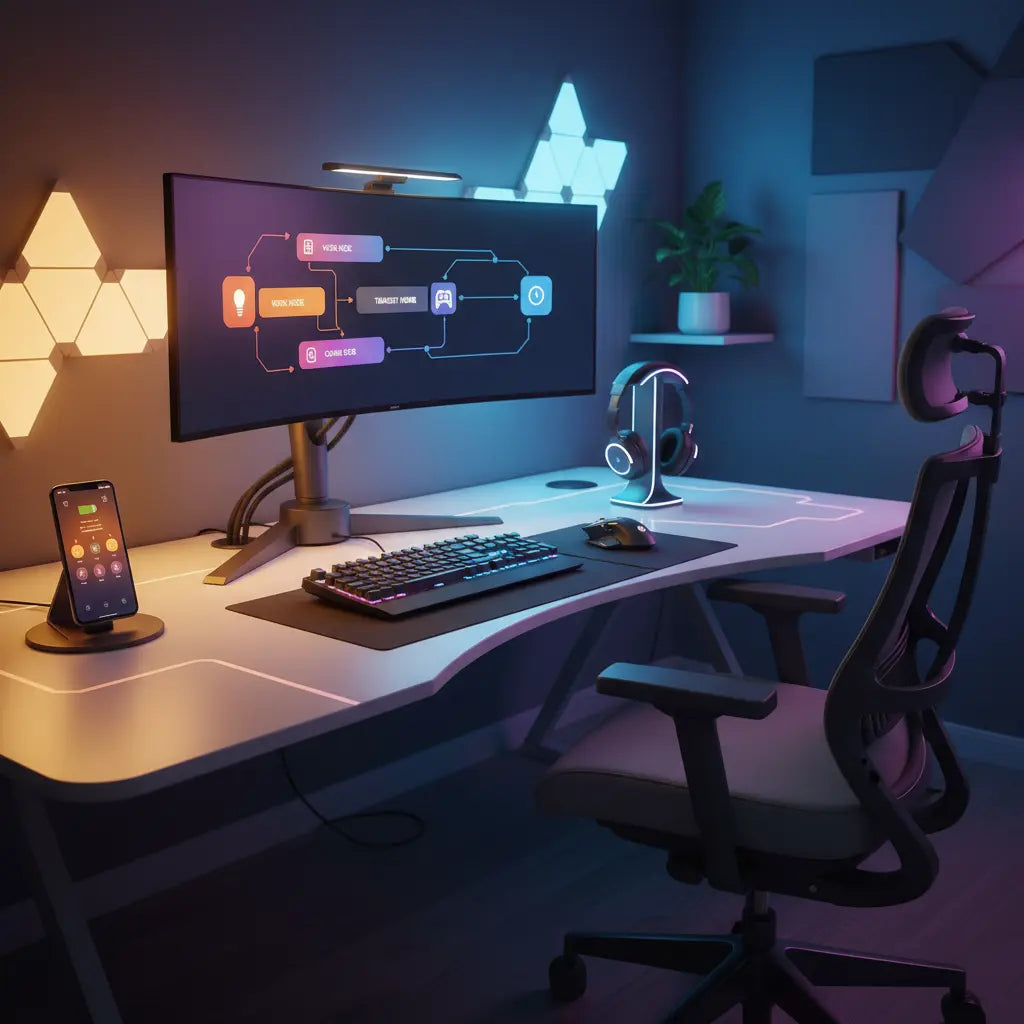
Automating your workspace with IFTTT (If This Then That) transforms a standard LED desk into a responsive productivity hub that adapts to your schedule, notifications, and environmental changes. By integrating smart plugs and controllers with Bestier’s LED features, you can create a seamless ecosystem that shifts from high-focus work modes to immersive gaming environments automatically.
Key takeaways
- Context-Aware Lighting: Use IFTTT to sync your desk's LED colors with your calendar, weather alerts, or even stock market fluctuations for real-time visual feedback.
- Seamless Integration: Bridge the gap between 'dumb' furniture and smart home ecosystems using Matter-compatible smart plugs and controllers.
- Productivity Triggers: Automate 'Do Not Disturb' modes where desk lights turn red during deep-work sessions or meetings.
- Energy Efficiency: Schedule automatic power-downs for your entire setup during off-hours to reduce phantom energy draw and extend hardware lifespan.
How to Choose the Right Automation Triggers for Your Setup
Selecting the right triggers is the foundation of a truly 'smart' desk. In 2026, the landscape of smart desk automation with Alexa and Razer Chroma has evolved to include more than just simple voice commands. IFTTT allows you to create 'Applets' that connect disparate services—like your Google Calendar, Slack, and local weather station—to your physical workspace. For instance, you can set an automation where your desk lights gradually brighten at 8:00 AM to simulate a sunrise, signaling the start of your workday.
Beyond simple scheduling, consider 'event-based' triggers. If you are a developer, your desk could pulse blue whenever a GitHub pull request is approved. If you are a gamer, your RGB desk lighting integration with gaming systems can reflect your in-game health or alert you when a friend comes online. The goal is to move away from manual toggling and toward a desk that anticipates your needs based on your digital activity.
Logic Summary: Triggers should be chosen based on high-frequency actions or critical notifications. Over-automating can lead to 'notification fatigue,' so we recommend starting with 2-3 essential workflows and expanding only when they prove useful.
Step-by-Step Guide: Making Your Bestier Desk IFTTT-Compatible
Most Bestier desks come equipped with high-quality LED strips, but to unlock IFTTT's full potential, you often need a bridge. The most reliable method in 2026 is using a Matter-enabled smart plug or a Wi-Fi-based LED controller.
Recommended Hardware Examples
To get started, we recommend the following devices based on their proven compatibility with IFTTT and major smart home hubs:
- Smart Plugs (On/Off Control): The TP-Link Kasa KP125M or Eve Energy (Matter version) are excellent for basic power automation. Simply plug your desk's power adapter into these units.
- LED Controllers (Color/Pattern Control): If you wish to replace the stock controller for deeper integration, the Govee Wi-Fi RGB Controller or the Shelly RGBW2 (for DIY users) allow for granular color changes via IFTTT.
- IR Bridges: For desks that use a standard infrared remote, a BroadLink RM4 Mini can learn your remote's signals and allow IFTTT to "press" buttons for you.
Installation Tip: Before purchasing a replacement controller, check the voltage of your desk's LED strip (typically 5V or 12V). Matching the voltage is critical to prevent hardware damage. Once the hardware is installed and paired with its native app (e.g., Kasa or Govee), link that account to IFTTT to begin creating recipes.

Advanced Productivity Workflows for Gaming and Work
The true power of automation lies in 'Focus Modes.' Many users struggle with transitions between work and play, especially in small apartments. You can use IFTTT to trigger a 'Work Mode' that sets your LED L-shaped gaming desk with automation capabilities to a cool, 5000K white light to boost alertness and focus. When your workday ends at 5:00 PM, IFTTT can automatically shift the lighting to a warm amber or a vibrant 'cyberpunk' neon, signaling to your brain that it is time to relax.
For streamers and creators, automation can handle the 'set prep.' You can create an Applet where starting a stream on Twitch automatically dims the room lights, turns on your desk's accent LEDs, and sets your smart plug to power up your ring light and microphone. This reduces the friction of starting a session and ensures your LED gaming desk collection for automation projects is always camera-ready.
Automation Workflow Comparison Table
| Use Case | Trigger (The 'If') | Action (The 'Then') | Benefit |
|---|---|---|---|
| Deep Work | Calendar event 'Meeting' starts | Set Desk LEDs to Red | Visual 'Do Not Disturb' signal |
| Eye Strain | Sunset in your local area | Shift LEDs to Warm Amber | Reduces blue light exposure |
| Gaming | Launch Steam or Discord | Activate 'Game Mode' Scene | Instant immersion |
| Efficiency | Phone leaves home geofence | Turn off all desk power | Saves energy and hardware life |
| Security | Smart doorbell detects motion | Pulse Desk LEDs Yellow | Silent alert while wearing headset |
Troubleshooting Latency and Connectivity Issues
One common hurdle with cloud-based automation like IFTTT is latency. Since the signal often travels from your trigger device to the IFTTT servers and then back to your smart plug, there can be a 1-3 second delay.
Note on Latency: This 1–3 second range is a typical observation based on standard residential Wi-Fi and cloud-to-cloud processing; it is not a guaranteed performance value. To test your specific setup's latency, you can perform a "local vs. cloud" test: trigger the light via its native app (local) and then via an IFTTT button (cloud) while using a stopwatch to measure the difference.
To minimize this, ensure your desk is within strong range of your Wi-Fi router. In 2026, many users are moving toward 'Edge' or local processing. If you find IFTTT too slow for time-sensitive gaming alerts, consider using a local hub that supports Matter over Thread, which significantly reduces response times by keeping the data within your home network.

Quality and Safety Standards for Your Smart Setup
When retrofitting your desk with smart controllers and plugs, safety should be your top priority. Ensure any smart plug you use is UL or ETL certified, meaning it has passed rigorous electrical safety testing. Furthermore, when selecting the desk itself, look for materials that meet environmental standards. For example, Bestier prioritizes safety standards for engineered wood furniture by adhering to CARB Phase 2 and EPA TSCA Title VI regulations.
Safety & Compatibility Disclaimer
- Warranty: Modifying your desk’s original electrical components or replacing factory-installed LED controllers may void your manufacturer’s warranty.
- Compatibility: While most LED strips are standard, some older or proprietary IR remotes use non-standard frequencies that may not be compatible with universal IR bridges.
- Professional Advice: If you are unsure about voltage matching or electrical wiring when installing third-party controllers, please consult a certified electrician.
FAQ
How do I make my Bestier LED desk work with IFTTT if it only has a remote? To make a remote-controlled desk smart, you can use a Wi-Fi-to-IR (Infrared) bridge like the BroadLink RM4 Mini or simply plug the desk's power adapter into a smart plug. The smart plug handles on/off, while the IR bridge handles colors.
Can IFTTT automate my standing desk height? Yes, if your standing desk has a smart controller or an API. For most standard electric desks, you would need a specialized 'smart' control box replacement. Note that modifying the motor controller carries higher safety risks than lighting.
Does IFTTT work with Razer Chroma for desk lighting? Yes, Razer has an IFTTT service that allows you to sync your Chroma-enabled peripherals with other smart home devices. This means your Bestier desk LEDs (if connected via a compatible controller) can pulse in sync with your keyboard and mouse.
Is there a subscription fee for using IFTTT with my smart desk? IFTTT offers a free tier with a limited number of Applets. For complex setups with multiple triggers and 'queries,' you may need a 'Pro' or 'Pro+' subscription.
What is Matter, and why does it matter for my desk setup? Matter is a universal smart home protocol that allows devices from different brands to work together locally. Choosing Matter-compatible plugs for your desk ensures that your automation will be faster and more reliable than older cloud-only solutions.
Can I automate my desk lights to change based on my PC's CPU temperature? Yes, using third-party software like 'SignalRGB' on your PC, you can send triggers to IFTTT webhooks. This allows your desk's LEDs to turn red if your PC is overheating.
References
Government / Standards / Regulators
- EPA TSCA Title VI - Formaldehyde Standards for Composite Wood Products
- California Air Resources Board (CARB) - Composite Wood Products
- UL Solutions - Consumer Electronics Safety Standards
Platform official docs & policies
- IFTTT Official Documentation - Getting Started with Applets
- Connectivity Standards Alliance - Matter Protocol Overview
- Razer Chroma RGB - Integration Guide for Developers
Industry associations / research institutes / market reports
- Smart Home Market Trends 2026 - Industry Analysis
- Ergonomics Health Association - Lighting and Productivity Research
