





Summary
Matter-enabled smart desks represent the most significant shift in home office technology for 2026, providing a unified communication standard that eliminates the frustration of proprietary apps and ecosystem lock-in. By leveraging the Matter protocol over a Thread mesh network, these desks offer seamless interoperability with Apple Home, Google Home, and Amazon Alexa, while ensuring that your office automations remain fully functional even during internet outages through robust local control.
Key takeaways
- Universal Compatibility: Matter allows smart furniture to work across all major smart home platforms simultaneously without needing multiple bridges.
- Thread Mesh Networking: Unlike Wi-Fi, Thread creates a dedicated, low-power mesh network for your devices, reducing router congestion and improving response times.
- Local Reliability: Matter-over-Thread devices communicate directly within your home, ensuring that "Focus Mode" lighting and desk adjustments work even if your ISP goes offline.
- Future-Proof Energy Management: The latest Matter 1.5 standards enable smart desks to report real-time power consumption and participate in whole-home energy-saving routines.
- Simplified Setup: New devices are added via a simple QR code scan, removing the need for complex pairing sequences or account-linking hurdles.

The Evolution of Smart Furniture: Why Matter and Thread Change Everything
For years, the "smart office" was a fragmented landscape of competing standards. You might have had a desk that worked with one app, lighting that required another, and a power strip that only talked to a specific voice assistant. In 2026, the Matter protocol has effectively ended this "walled garden" era. Matter is not a new wireless technology itself; rather, it is an open-source application layer that allows devices from different manufacturers to speak the same language.
The real magic happens when Matter is paired with the Thread protocol. Thread is a low-power, IP-based mesh networking protocol designed specifically for the smart home. Unlike Bluetooth, which has limited range, or Wi-Fi, which can become congested with dozens of devices, Thread creates a self-healing network. If one device in your office goes offline, the others automatically reroute the signal to ensure connectivity remains stable.
Logic Summary: We recommend Matter-over-Thread for home offices because it combines the universal language of Matter with the reliability and low power consumption of Thread. This setup is ideal for users with 10+ smart devices who want to avoid Wi-Fi interference and ensure their productivity tools are always responsive.
Local Control: Ensuring Your Office Stays Productive Offline
One of the most overlooked benefits of the Matter standard is its emphasis on local control. In previous years, most smart furniture relied on "cloud-to-cloud" integration. This meant that when you asked your voice assistant to raise your desk, the command traveled from your home to a server across the country, then back to your desk. If your internet connection flickered, your smart features became useless.
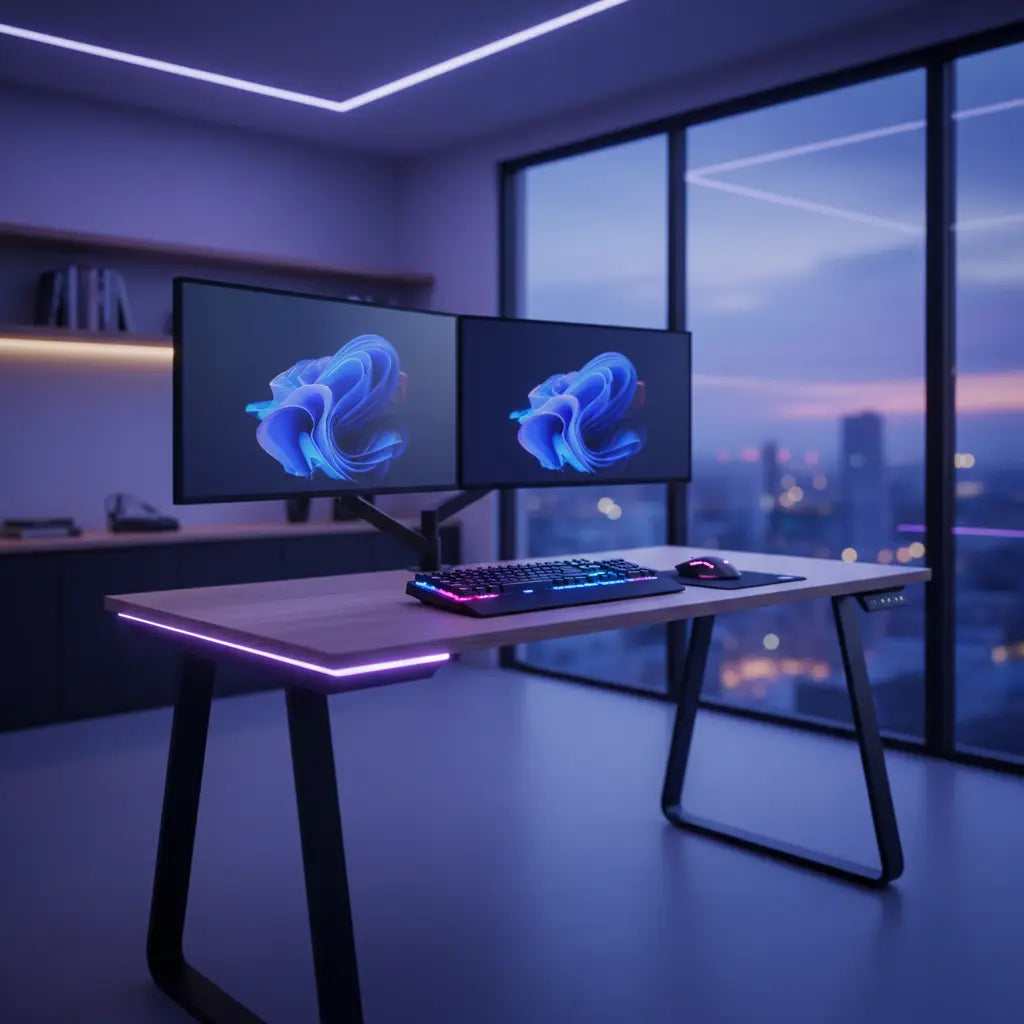
Matter-enabled devices change this dynamic by prioritizing local communication. Your Matter controller (such as a HomePod, Nest Hub, or Echo) communicates directly with your adjustable standing desks with smart features over your local network. This reduces latency to near-zero and ensures that your automated "Work Day" routines—where your desk rises to standing height and your LED gaming desks with smart connectivity switch to a cool white light—execute perfectly every morning, regardless of your internet status.

Matter 1.5 and the Future of Energy-Efficient Workspaces
As we move further into 2026, sustainability has become a core pillar of the smart home. The release of Matter 1.5 introduced advanced energy management capabilities that are particularly relevant for home office furniture. Smart desks equipped with these latest chips can now report their energy usage directly to your smart home dashboard.
This allows for a new level of automation. For example, you can set a routine where your gaming desks with built-in power management automatically cut power to non-essential peripherals like printers or secondary monitors when the desk's occupancy sensor detects you've been away for more than 30 minutes. According to the Connectivity Standards Alliance (CSA), these energy-aware features are designed to help households reduce "vampire power" draw, which can account for up to 10% of a home's total electricity usage.
How to Sync Matter Devices with Your Bestier Setup
Setting up a Matter-enabled workspace is designed to be "human-proof." The days of holding down buttons for 10 seconds and hoping a light flashes are over. Here is the standard workflow for integrating new tech into your Bestier-centered office:
- Check for the Badge: Ensure your device or the Bestier bridge has the "Matter" logo on the packaging.
- Open Your Preferred App: Whether you use Apple Home, Google Home, or Amazon Alexa, the process is the same.
- Scan the QR Code: Every Matter device comes with a unique setup code. Scanning this automatically pairs the device to your Thread network.
- Enable Multi-Admin: One of Matter's best features is "Multi-Admin." This allows you to share control of your desk with a partner who might use a different phone ecosystem. You can generate a secondary pairing code in your app and scan it on their device, allowing both of you to manage the integrating smart desks with Alexa and Razer Chroma without one person being "locked out."
Comparing Connectivity: Matter-over-Thread vs. Zigbee and Bluetooth
While many legacy devices still use Zigbee or Bluetooth, understanding the technical trade-offs is essential for future-proofing.
| Feature | Matter-over-Thread | Zigbee | Bluetooth (BLE) |
|---|---|---|---|
| Interoperability | Native (No bridge required for most) | Requires proprietary hub | Limited to one-to-one pairing |
| Network Type | IP-based Mesh | Non-IP Mesh | Point-to-Point |
| Latency | Ultra-Low (<100ms) | Low | Moderate |
| Reliability | High (Self-healing) | High | Low (Range dependent) |
| Scalability | 250+ devices | ~65,000 devices | <10 devices |
Logic Summary: While Zigbee is technically capable of supporting more devices, Matter-over-Thread is the superior choice for home offices because it uses the same IP protocol as your internet, making it easier for devices to communicate without specialized "translation" hubs. Bluetooth remains a "budget" option but lacks the stability required for a professional setup.
Safety Standards and Material Integrity in Smart Furniture
When integrating electronics into furniture, safety cannot be an afterthought. Smart desks involve motors, control boxes, and integrated power strips that generate heat. This heat can potentially accelerate the off-gassing of volatile organic compounds (VOCs) if the furniture is made from low-quality materials.
At Bestier, we prioritize your health as much as your connectivity. All our desks are manufactured to meet strict safety standards for engineered wood furniture, including CARB Phase 2 and EPA TSCA Title VI compliance. These standards ensure that the formaldehyde levels in our MDF and particle board are well below hazardous thresholds, providing a safe environment for long hours of work. For a deep dive into how these regulations protect your indoor air quality, we recommend reviewing our comprehensive guide on engineered wood safety.
Expanding Your Ecosystem: Lighting and Beyond
A smart desk is only the beginning. To create a truly immersive environment, you should consider connecting smart lighting systems like Philips Hue or Govee to your Matter network. By syncing your desk's integrated LEDs with your room's ambient lighting, you can create "Bio-Centric" lighting schedules that mimic natural sunlight, helping to maintain your circadian rhythm and improve focus during late-night sessions.
FAQ
Do I need a new hub to use Matter-enabled smart desks? To use Matter-over-Thread devices, you need a "Thread Border Router." The good news is that you likely already own one. Many modern smart speakers and displays, such as the Apple HomePod (2nd Gen), Google Nest Hub (2nd Gen), and Amazon Echo (4th Gen), have Thread Border Routers built-in. These devices bridge the Thread network to your home's Wi-Fi, allowing you to control your furniture from anywhere.
Will my older smart home devices work with a new Matter setup? Yes, Matter is designed to coexist with your existing devices. While your older Zigbee or Bluetooth devices won't magically become Matter-compatible, most major platforms (Apple, Google, Amazon) allow you to control both Matter and legacy devices within the same app. Some manufacturers also offer "Matter Bridges" that bring older hardware into the Matter ecosystem.
Is the Matter protocol more secure than previous standards? Matter places a high priority on security, utilizing standard cryptographic protocols. Every device must have a unique identity and use encrypted communication. Because Matter-over-Thread prioritizes local control, your data doesn't necessarily have to travel to the cloud for every command, which significantly reduces the "attack surface" for potential hackers compared to older cloud-based smart devices.
Can I use a Matter-enabled desk without an internet connection? Absolutely. Once the initial setup is complete, Matter-over-Thread devices can operate entirely on your local network. This means your physical switches, sensors, and pre-set automations will continue to work even if your ISP has an outage. You only need the internet for initial pairing, firmware updates, or controlling your desk when you are away from home.
What happens if I switch from an iPhone to an Android phone? This is the primary advantage of Matter. Because the standard is universal, you don't have to worry about your furniture becoming obsolete if you change phone brands. You simply open the Google Home app on your new Android device, and as long as you are on the same network, you can take control of your Matter devices.
How many devices can a Thread network support in my office? A single Thread network can theoretically support over 250 devices. For a home office, this is more than enough to cover your desk, multiple lights, smart plugs, air purifiers, and sensors. The mesh nature of the network means that adding more devices actually makes the network stronger and more resilient, rather than slowing it down like traditional Wi-Fi.
References
Government / Standards / Regulators
- Connectivity Standards Alliance (CSA): Matter 1.5 Specification & Energy Management
- Environmental Protection Agency (EPA): TSCA Title VI Formaldehyde Standards for Composite Wood Products
- California Air Resources Board (CARB): Airborne Toxic Control Measure (ATCM) to Reduce Formaldehyde Emissions
Platform Official Docs & Policies
- Apple Home: Matter Support in iOS and iPadOS
- Google Home: Matter and Thread Connectivity Guide
- Amazon Alexa: Matter Connectivity for Smart Home Developers
Industry Associations / Research Institutes
- The Thread Group: Thread Networking Protocol Overview
- IEEE: Standards for Wireless Local and Metropolitan Area Networks
Community
- Reddit r/SmartHome: User discussions on Matter vs. Zigbee (Intent only; not authoritative)
