





Summary

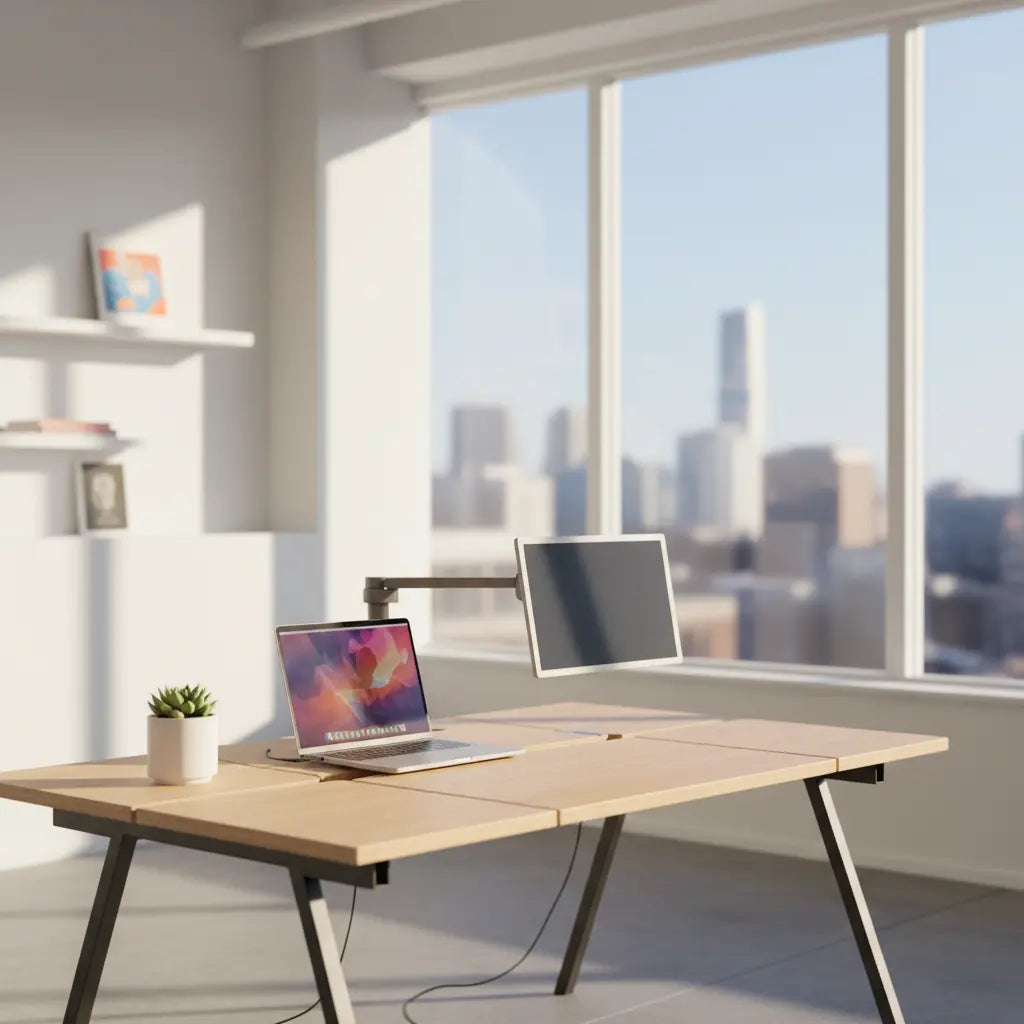
In 2026, the digital nomad lifestyle demands furniture that is as mobile and adaptable as the professionals using it. Modular desk systems have emerged as the premier solution, offering a "grow-with-you" architecture that transitions seamlessly from compact studio apartments to full-scale home offices. These systems prioritize lightweight materials, tool-free assembly, and standardized dimensions that often align with international travel regulations. By investing in a modular setup, remote workers can maintain ergonomic standards and professional productivity regardless of their location. This guide explores how to select a system that balances durability with portability, ensuring your workspace remains a constant in an ever-changing environment. Whether you are a minimalist traveler or a high-performance content creator, modularity provides the flexibility to scale your environment without the waste associated with traditional flat-pack furniture.
Key takeaways
- Prioritize Portability: Look for systems weighing between 2-5kg for maximum mobility, with dimensions that fit within standard airline carry-on limits (typically 22" x 14" x 9").
- Rapid Assembly: High-quality modular desks should feature tool-free or "single-tool" assembly, with benchmarks of under 10 minutes for a full setup.
- Material Safety: Ensure all engineered wood components meet CARB Phase 2 and EPA TSCA Title VI standards to maintain indoor air quality in small or poorly ventilated spaces.
- Scalable Design: Choose systems that allow for the addition of monitor risers, side shelves, or L-shaped extensions as your professional needs evolve.
- Integrated Tech: Modern 2026 designs often include built-in cable management and USB-C power delivery to support multi-device nomadic workflows.
How Modular Desk Systems Solve the Digital Nomad Workspace Dilemma
The rise of the "work from anywhere" culture has fundamentally shifted how we perceive office furniture. For the digital nomad, a desk is no longer a static piece of heavy timber anchored to a single room; it is a functional tool that must be as flexible as a laptop or a high-speed Wi-Fi hotspot. Traditional furniture often fails this demographic because it is either too bulky to move or too fragile to survive multiple assembly and disassembly cycles. Modular desk systems address this gap by utilizing a "Lego-like" approach to construction, allowing users to add or remove components based on their current living situation.
This flexibility is particularly crucial for urban dwellers who may transition from a small studio to a shared co-living space. A modular system allows you to start with a basic compact surface and eventually expand into a more complex arrangement, such as a versatile L-shaped desk options, without having to replace the entire unit. This "grow-with-you" philosophy not only saves money in the long run but also aligns with sustainable living practices by reducing the cycle of "fast furniture" waste.
Core Features of a Portable Desk for Frequent Movers
When evaluating a modular desk for a nomadic lifestyle, portability is the primary metric. In 2026, the industry has standardized around specific weight and dimension benchmarks to ensure that "portable" actually means "travel-ready." Ideally, a modular desk system should weigh between 2kg and 5kg (approximately 4.5 to 11 lbs). This weight range ensures that the desk can be packed into a standard suitcase or even a large backpack without exceeding airline weight limits for checked or carry-on luggage.
Furthermore, the dimensions of the disassembled components are critical. Many nomads now look for "carry-on compliant" desks that fit within the standard 22" x 14" x 9" envelope. While a full-sized desk surface may still require a dedicated gear bag, the modular frame and legs should be compact enough to stow easily. Durability is the second pillar of nomadic furniture. A high-quality modular system is rated for at least 50 assembly/disassembly cycles. This is achieved through the use of reinforced metal-to-metal connections rather than the wood screws typically found in cheaper flat-pack alternatives, which tend to strip the material after just two or three moves.
Logic Summary: These benchmarks assume a standard remote work setup consisting of a 14-16 inch laptop and a portable secondary monitor. The weight and durability metrics are derived from 2026 travel trends where nomads relocate on average every 3 to 6 months, requiring furniture that can withstand frequent handling without structural degradation.
Maximizing Small Spaces with Multi-Functional Furniture
For many nomads, the "office" is often a corner of a bedroom or a small nook in a short-term rental. In these scenarios, the desk must perform double duty. Modular systems excel here because they can be reconfigured to serve as a dining table, a vanity, or even a storage unit when not in use for work. Integrating multi-functional furniture for small spaces is the key to maintaining a clutter-free environment that supports both productivity and relaxation.
A common strategy in 2026 is the "zone-based" layout, where the modular desk is positioned to define the workspace within a larger room. By adding vertical shelving or side attachments, you can create a physical and mental boundary between "work mode" and "home mode." This is especially important for maintaining mental health when your living and working quarters are identical.

Durability and Safety: Understanding Materials for Long-Term Use
The materials used in your modular desk do more than just provide a surface; they impact your health and the longevity of the product. Digital nomads often find themselves in smaller, less-ventilated spaces where indoor air quality is a significant concern. This is why understanding engineered wood safety standards is essential. High-quality modular desks use materials that comply with CARB Phase 2 and EPA TSCA Title VI, which strictly limit the emission of formaldehyde—a common chemical found in the adhesives of lower-end furniture.
As noted in the comprehensive whitepaper on engineered wood safety, these standards ensure that the MDF or particle board used in your desk won't contribute to "sick building syndrome" or long-term respiratory issues. Beyond safety, the finish of the material matters for durability. Look for P2-grade boards with scratch-resistant and water-resistant coatings. For a nomad, a spilled coffee or a rough move shouldn't mean the end of their workspace.
Logic Summary: We prioritize CARB/TSCA compliance because nomads often work in "cloffices" or small rentals where off-gassing can reach higher concentrations than in large, open-plan offices. The recommendation for P2-grade materials balances cost-effectiveness with rigorous environmental safety.
Step-by-Step: Setting Up Your Modular Office Anywhere
The "10-minute rule" is a benchmark for 2026 nomadic furniture: if it takes longer than 10 minutes to set up, it’s not truly portable. Modern modular systems utilize "click-in" or "cam-lock" mechanisms that require no tools or, at most, a single hex key. Following easy assembly and disassembly tips can help you streamline this process even further.
- Unpack and Inventory: Lay out all components on a soft surface (like a rug or bed) to prevent scratching the finish.
- Frame First: Assemble the base or legs first. In modular systems, the legs often telescope or fold to save space.
- Surface Attachment: Secure the desktop to the frame. Ensure all locking mechanisms are fully engaged to prevent wobbling.
- Cable Management: Use integrated channels or clips to route your power cables. This is a critical step for nomads who often have to deal with poorly placed outlets in temporary housing.
- Leveling: Adjust the feet of the desk. Most modular desks include adjustable glides to compensate for uneven floors in older buildings or rustic rentals.
Ergonomics on the Go: Choosing Between Standing and L-Shaped Desks
Ergonomics should never be sacrificed for portability. A common mistake among nomads is working from a couch or a kitchen chair for extended periods, leading to "tech neck" and back pain. Modular systems now offer ergonomic solutions that were previously only available in fixed offices. For instance, an adjustable standing desk for ergonomic work allows you to alternate between sitting and standing, which is vital for maintaining energy levels during long coding or writing sessions.
Alternatively, if you require a larger surface area for multiple monitors or creative equipment, an L-shaped configuration might be the better choice. These setups provide a dedicated "deep work" zone and a separate area for administrative tasks or meetings. The modular nature of these desks means you can often switch the "L" from the left to the right side, depending on the layout of your current room.
The Future of Nomadic Work: Creator-Ready Modular Setups
As the "creator economy" continues to grow, many digital nomads are now YouTubers, streamers, or podcasters who require more than just a laptop stand. They need integrated lighting, microphone mounts, and camera stands. Modular desk systems are evolving to include "creator rails" or pegboard attachments specifically designed for this equipment.
Exploring modular furniture for content creators reveals how these systems can be customized with LED strips and acoustic panels to create a professional studio in a hotel room or Airbnb. This level of customization ensures that your brand's production value remains high, no matter where in the world you happen to be filming.
Modular Desk Comparison: Portability vs. Performance
| Feature | Travel-Lite Modular | Pro-Nomad Modular | Home-Base Modular |
|---|---|---|---|
| Weight | 2-3 kg | 5-8 kg | 10+ kg |
| Setup Time | < 5 Minutes | 10-15 Minutes | 30+ Minutes |
| Load Capacity | 10 kg (Laptop only) | 25 kg (Dual Monitor) | 50+ kg (Full PC) |
| Best Use Case | Backpacking / Short stays | Monthly rentals / Vans | Long-term hubs / Cloffices |
| Key Advantage | Carry-on compliant | High ergonomic support | Maximum storage/surface |
Digital Nomad Workspace Essentials Checklist
- [ ] Modular Desk: Lightweight, CARB-certified, and tool-free.
- [ ] Ergonomic Chair: Foldable or a portable seat cushion for lumbar support.
- [ ] Laptop Stand: To keep the screen at eye level.
- [ ] Portable Monitor: For increased screen real estate.
- [ ] Universal Power Adapter: With built-in surge protection.
- [ ] Cable Management Kit: Velcro ties and adhesive clips.
- [ ] Noise-Canceling Headphones: For focus in public spaces.
FAQ
Are modular desks sturdy enough for daily professional use? Yes, high-quality modular desks in 2026 are designed with reinforced joints and steel frames that provide stability comparable to traditional office furniture. The key is to look for systems that use metal-on-metal connections rather than simple wood screws, which can loosen over time. When properly assembled, these desks can easily support a standard dual-monitor setup without wobbling.
How do I pack a modular desk for international travel? Most modular desks are designed to break down into flat components. To pack them safely, use the original slim-profile box if possible, or wrap the individual pieces in bubble wrap or clothing within a hard-shell suitcase. Ensure that the heaviest components are placed near the wheels of the suitcase to maintain balance and prevent the bag from tipping.
Do modular desks meet safety standards for indoor air quality? Reputable manufacturers ensure their products meet CARB Phase 2 and EPA TSCA Title VI standards. These regulations limit formaldehyde emissions from engineered wood products, which is crucial for digital nomads who often work in small or poorly ventilated spaces. Always check the product specifications for these certifications to ensure a healthy working environment.
Can I add more parts to my modular desk later? One of the primary benefits of a modular system is its scalability. Most brands offer "add-on" kits such as monitor risers, side drawers, or even extension leaves that turn a straight desk into an L-shaped one. This allows you to invest in a basic setup initially and expand your workspace as your budget or professional needs grow.
What is the average lifespan of a modular desk for a frequent mover? A well-constructed modular desk is rated for approximately 50 to 100 assembly cycles. For a nomad who moves every three months, this equates to a lifespan of 12 to 25 years. The longevity depends heavily on the quality of the fasteners and the durability of the surface finish, so it is worth investing in a professional-grade system rather than a budget "disposable" option.
How do I fix a modular desk if it becomes wobbly? Wobbliness is usually caused by uneven flooring or loose fasteners. Most modular desks come with adjustable leveling feet; simply screw them in or out until the desk is stable. If the frame itself feels loose, check all cam-locks or bolts and ensure they are tightened according to the manufacturer's instructions. Using a small amount of thread-locking fluid on metal bolts can also prevent them from vibrating loose during transport.
References
Government / Standards / Regulators
- EPA: Formaldehyde Standards for Composite Wood Products (TSCA Title VI)
- California Air Resources Board (CARB): Airborne Toxic Control Measure (ATCM)
Industry Associations / Research Institutes / Market Reports
- International Interior Design Association (IIDA): 2026 Workplace Trends Report
- Furniture Industry Research Association (FIRA): Ergonomic Standards for Home Office
Academic / Whitepapers / Labs
- Journal of Environmental Health: Impact of Formaldehyde on Indoor Air Quality in Small Living Spaces
- Human Factors and Ergonomics Society (HFES): Portable Workstation Design Guidelines
