
Faking Luxury: How to Build a Premium-Looking Gaming Setup on a Budget
Creating a premium-looking gaming setup doesn't require thousands of dollars on high-end furniture or custom millwork. With smart choices around lighting, color, organization, and a few targeted upgrades, you can transform an affordable desk and basic peripherals into a clean, intentional battlestation that photographs well and feels elevated in daily use.

The key is prioritizing visible flaws first. In most standard bedroom or office environments, a tidy, cohesive space tends to read as more premium than one filled with flashy but disorganized elements. This guide walks through practical steps that work especially well in small bedrooms, dorms, home offices, and streaming corners where budget is tight but aesthetics matter.
Why Most Budget Gaming Setups Look Cheap
Many budget setups end up feeling cluttered or unfinished because of visible cables, mismatched colors, and uncontrolled lighting. These issues draw the eye and can undermine the overall impression, even when the core hardware is decent.
Common myths often make the problem worse. One widespread belief is that adding more RGB lighting automatically creates a high-end look. In reality, excessive or uncoordinated RGB frequently makes an affordable setup appear busier and less intentional. Restrained, purposeful lighting usually delivers better results in a home environment.
Another myth is that cable management is purely cosmetic. Visible cable chaos can override otherwise clean hardware and make the entire desk feel lower quality. Clean routing often contributes more to a premium impression than a single flashy accessory.
Some assume any matching color palette will elevate a budget setup. While coordination helps, overly complex or bright palettes can still feel budget-conscious depending on the room's natural lighting. Simpler, repeated tones across the desk, chair, and background tend to look more polished.
Finally, many believe heavy decoration can make cheap furniture look like luxury. Decorations can improve presentation, but they rarely hide poor proportions or shiny surfaces completely. Budget pieces can look neat and styled, yet they generally top out at “clean and intentional” rather than true luxury.
Prioritize Upgrades for Maximum Visual Impact
The most effective way to build a premium-looking budget gaming setup is to follow a constraint-first order. Address the most visible flaws before adding decorative elements.
Start with visible clutter control, cable management, and surface cleanup. These steps create an immediate sense of order that makes everything else look better. Next, add controlled lighting that frames the setup rather than flooding the room. Then focus on color coordination across the desk, chair, peripherals, and wall backdrop. Only after these foundations are solid should you consider decorative extras.
This ranking may shift depending on your specific space. For instance, if your room is already naturally minimalist and clean, you might prioritize lighting or a single statement piece higher on the list.
The chart below shows a conservative, illustrative priority map for visible upgrades across different setup scenarios. It highlights where the biggest payoff shifts occur, so readers can decide what to buy first rather than treat all upgrades as equally useful.
Heuristic Priority of Visible Upgrades Across Setup Scenarios
Illustrative only: relative visual-impact priority for premium-looking budget gaming setups across scenarios.
View chart data
| Category | Dorm / temporary | Small bedroom | Home office | Streaming background |
|---|---|---|---|---|
| Cable management | 3 | 4 | 4 | 2 |
| Lighting | 5 | 6 | 5 | 6 |
| Color coordination | 2 | 5 | 6 | 6 |
| Desk surface | 1 | 3 | 5 | 5 |
Derived heuristic synthesis from constraint-first filter priorities, scenario matrix, reverse recommendation logic, and myth-vs-reality framing. Scores are conservative relative-impact estimates on a 1–6 scale, not measured data or experimental results.
This heuristic model uses relative scores on a 1–6 scale to illustrate priorities. It is not based on experimental measurements and should be used as a decision aid rather than a strict rule.
Scenario-Based Configuration Templates
To help you decide where to allocate your budget, we have mapped out three common scenarios. These templates focus on the "visual ROI" (Return on Investment) for different needs.
1. The "Dorm Minimalist" (Budget: <$200)
Focus: Portability and maximizing small, shared spaces.
- Priority Order: Cable Management > Surface Organization > Lighting.
- Color Scheme: White or Light Wood (helps small spaces feel larger and cleaner).
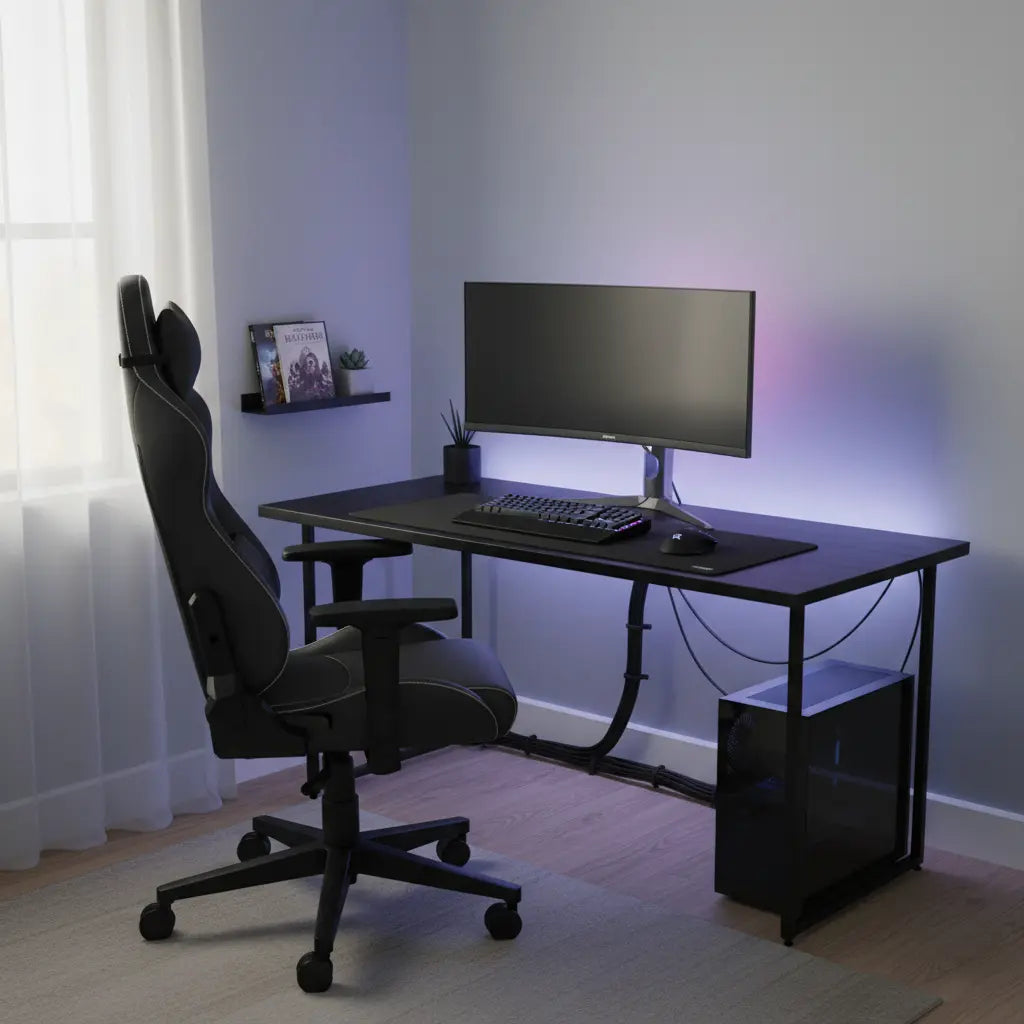
- Lighting Strategy: A single LED strip behind the desk to create depth against the wall.
- Key Purchases: Adhesive cable clips, a felt desk mat, and a monitor riser with storage.
2. The "Executive Bedroom" (Budget: $200–$400)
Focus: Creating a permanent, high-end "command center" feel.
- Priority Order: Integrated Furniture > Color Coordination > Ambient Lighting.
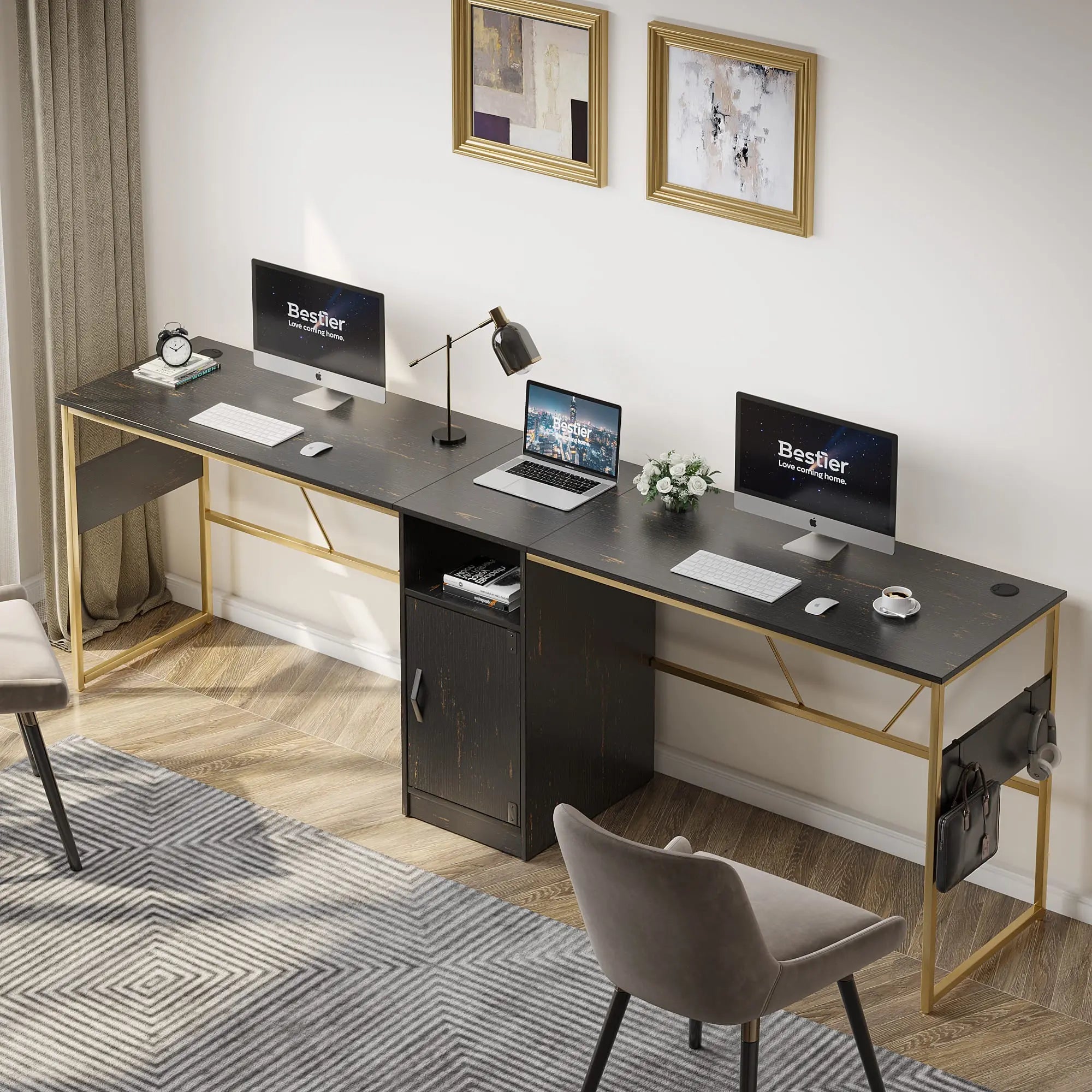
- Color Scheme: Matte Black + Dark Wood (hides imperfections and looks sophisticated).
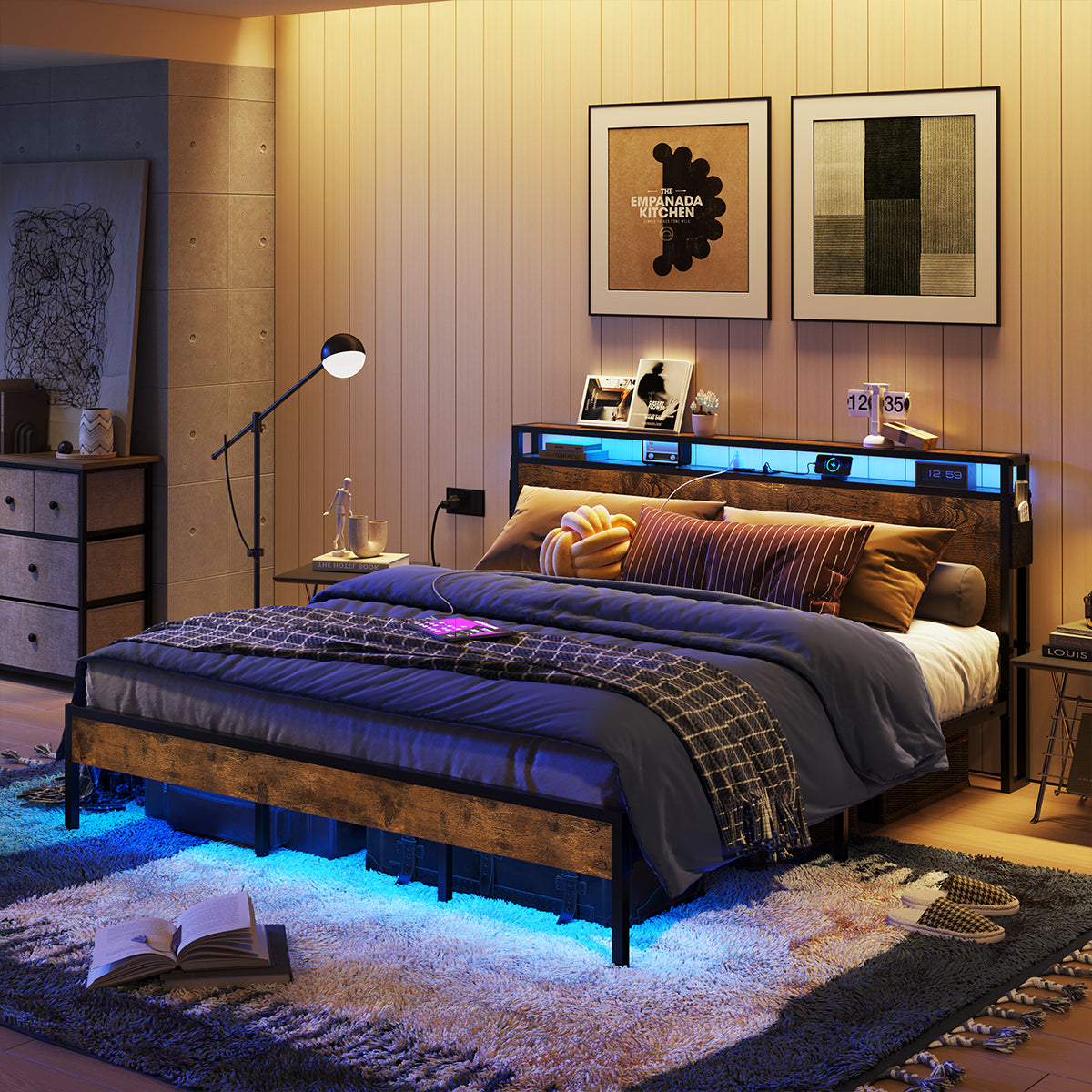
- Lighting Strategy: Under-desk glow combined with warm "bias" lighting behind the monitor.
- Key Purchases: L-shaped gaming desk with power outlets, under-desk cable tray, and a matching ergonomic chair.
3. The "Streamer’s Corner" (Focus: Camera Aesthetics)
Focus: How the setup looks from a single lens angle.
- Priority Order: Background Consistency > Lighting Sync > Cable Hiding.
- Color Scheme: Neutral Grey/Black with one bold accent color (e.g., Cyberpunk Purple or Forest Green).
- Lighting Strategy: Diffused wall-wash lighting to prevent harsh shadows on camera.
- Key Purchases: Floating wall shelves for background "props," RGB sync controller, and cable sleeves to group hanging wires.
Choose a Cohesive Color Palette That Works With Budget Furniture
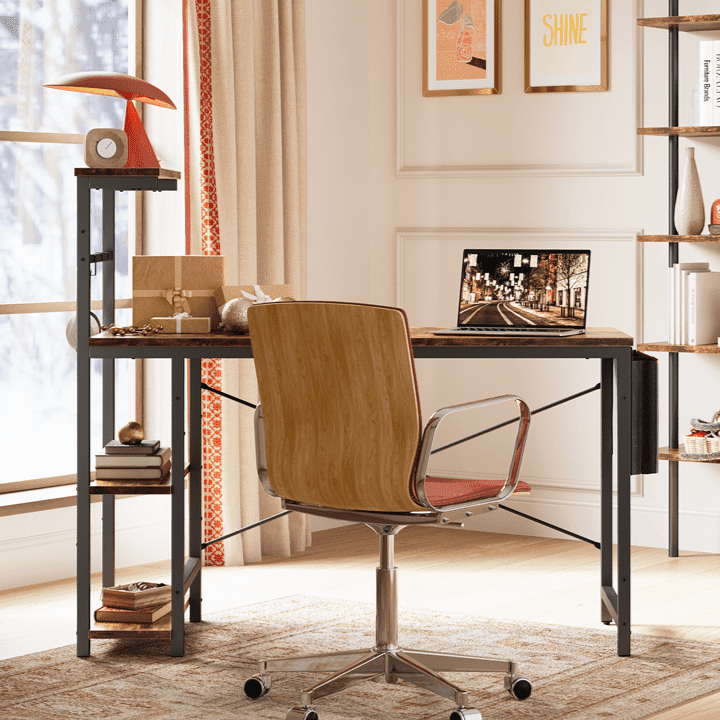
Matte black and warm wood tones remain popular choices because they pair well with affordable engineered-wood desks and hide minor imperfections. Stick to two or three repeating colors throughout the setup to avoid a scattered appearance.
For a modern look, combine matte black surfaces with subtle RGB accents in cool tones. For a warmer, more approachable aesthetic, pair light wood tones with neutral walls and soft white or amber lighting. Avoid mixing too many metallic finishes or bright primary colors, which can make even tidy setups feel less premium.
When shopping for budget furniture, look for pieces with consistent textures. A reversible L-shaped gaming desk with power outlets and LED lights can serve as a strong foundation because it combines function with built-in lighting options that you can control for subtlety.
Master Cable Management to Eliminate Visual Clutter
Clean cable management is one of the highest-return upgrades for any budget battlestation. Visible wires often detract from the perceived quality of a setup.
Start by routing cables behind the desk using adhesive clips or under-desk trays. Group power cords with sleeves and secure them to the desk frame where possible. Mount power strips underneath the desk surface so they stay out of sight while remaining accessible.
For LED-equipped desks, route lighting cables along the frame rather than letting them dangle. Simple zip ties and cable sleeves in black or wood-matching colors help everything disappear against the furniture.
These techniques work particularly well with L-shaped desks, where cables can be channeled along the seam or back edge. Explore more techniques in our guide to Pro Cable Management Tricks for a Clean Gaming Setup or check 5 Cable Management Hacks for LED Gaming Desks.

Use Lighting Strategically to Create Depth and Focus
Lighting transforms how budget furniture is perceived. Instead of covering every surface with RGB, use it to create subtle accents that highlight clean lines and hide imperfections.
RGB strips placed behind the monitor or under the desk edge produce a soft glow that adds depth without overwhelming the space. This approach often works better than bright, multicolored effects for a premium aesthetic.
Compare options in RGB vs. LED Lights: Which Is Better for Gaming Setup? to understand when dynamic RGB adds value versus when stable, neutral lighting is more effective. For immersive experiences, learn How to Sync Your Desk RGB Lighting with Your Gaming PC.
Common Pitfalls to Avoid
- Over-Decorating: Do not begin with oversized RGB or purely decorative items if your desk area still looks cluttered. In many cases, flashy lighting makes existing mess more obvious.
- Finish Clashing: Avoid mixing too many accent colors or finishes in a small room. A limited palette almost always appears more premium.
- Ignoring the Background: Skip heavy wall decorations until the core desk area looks intentional. Posters and shelves can add personality but amplify clutter if the foundation is not yet clean.
- Material Expectations: Remember that budget furniture has limitations in material quality. Focus on visual presentation rather than expecting it to match genuine luxury pieces in longevity or tactile feel.
Final Checklist for a Premium-Looking Budget Battlestation
Before declaring the setup complete, run through these checkpoints:
- Cables: Are they routed and hidden from normal viewing angles? (Note: If your space is naturally minimalist, this may require less hardware).
- Lighting: Is it subtle and consistent rather than multicolored and distracting?
- Palette: Does the color palette repeat across at least the desk, chair, and major accessories?
- Surface: Is the desk surface clear of unnecessary items?
- Power: Are power strips and chargers mounted or concealed?
- The "Doorway Test": Does the overall impression from the doorway look intentional and calm?
Following this order helps most budget-conscious gamers achieve a cohesive, elevated aesthetic without overspending. The result is a space that feels premium in use and looks polished in photos, even when built primarily from affordable components.
This article provides styling and setup guidance only. It does not address material durability, structural safety, or health effects of lighting. Engineered wood products should meet applicable safety standards for indoor use. For concerns about air quality or eye comfort, consult product specifications and, if needed, qualified professionals.
