
Summary
A professional dual-PC streaming setup requires a desk with a minimum width of 72 inches and a weight capacity exceeding 300 lbs to safely accommodate two high-performance towers and multiple monitors. Choosing an L-shaped or extra-wide workstation ensures sufficient depth for ergonomic focal distances while providing dedicated zones for gaming and encoding peripherals.
Key takeaways
- Surface Area is Non-Negotiable: Aim for at least 30 inches of depth and 72 inches of width to maintain a 20–40 inch focal distance from monitors.
- Load Bearing Capacity: Ensure your desk is rated for 300+ lbs to support the combined weight of two PC towers, 3+ monitors, and professional audio gear.
- Power Infrastructure: Use a Power Distribution Unit (PDU) rather than a standard surge protector to manage the high amperage draw of dual systems safely.
- Ergonomic Reach Zones: Position your primary gaming keyboard and mouse in the "neutral reach zone" to prevent repetitive strain when switching between systems.
Why a Dual-PC Setup Requires a Specialized Workstation
Transitioning to a dual-PC streaming configuration is a significant milestone for any creator, offering unmatched stream stability and encoding quality. By separating the gaming workload from the encoding process, you ensure that even a system crash on your gaming rig won't take your stream offline. However, this technical advantage introduces physical challenges that standard office desks are rarely equipped to handle.
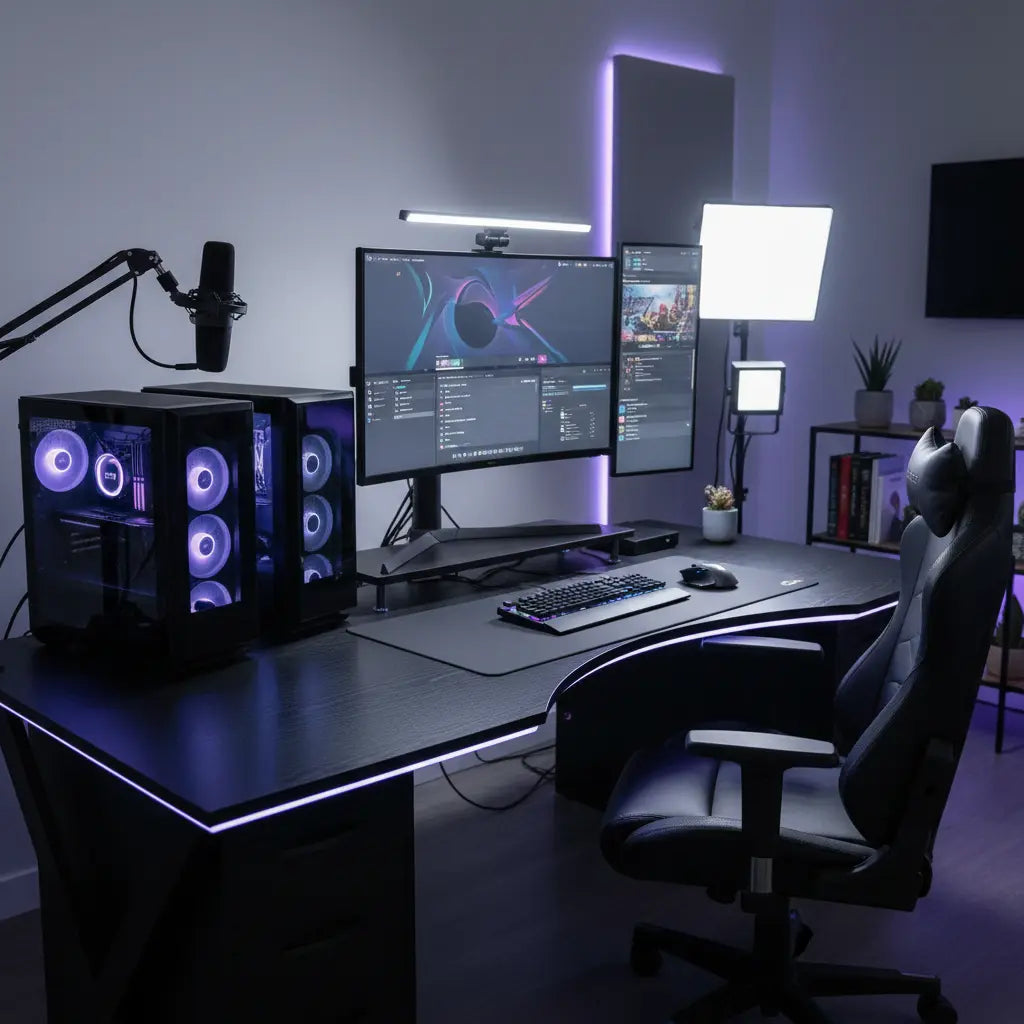
The primary concern is weight distribution. A high-end gaming tower can easily weigh 40–50 lbs; doubling that, plus the weight of three or more monitors and a heavy-duty microphone boom arm, puts immense stress on the desk's frame. Furthermore, the sheer volume of equipment requires a layout that facilitates essential desk features for streaming studios like integrated shelving and reinforced monitor mounts.
Logic Summary: These recommendations assume a professional-grade setup with two mid-to-full tower PCs. For those using a laptop as a dedicated streaming machine, surface area requirements may be reduced by approximately 20%, though weight capacity remains critical for monitor stability.
Critical Desk Dimensions for Multi-PC Layouts
When planning your layout, depth is often more important than width. According to OSHA computer workstation guidelines, monitors should be positioned at a distance that allows you to view the screen without straining your neck or eyes—typically between 20 and 40 inches. A desk with less than 30 inches of depth makes it difficult to achieve this focal distance once you account for the footprint of two PC towers and professional-grade peripherals.

For creators managing multiple displays, optimizing L-shaped desks for dual monitor setups provides the necessary "wing" space to angle monitors inward. This wrap-around effect minimizes head rotation, which is vital for long-duration broadcasts where neck fatigue can impact performance.
| Feature | Minimum Requirement | Recommended for Dual-PC |
|---|---|---|
| Desk Width | 60 Inches | 72 - 95 Inches |
| Desk Depth | 24 Inches | 30+ Inches |
| Weight Capacity | 150 lbs | 300+ lbs |
| Material | Particle Board | CARB Phase 2 Engineered Wood |
Managing Power and Audio Interference in Dual-PC Systems
One of the most overlooked aspects of a dual-PC setup is the electrical load. A standard 15-amp residential circuit can easily be pushed to its limit by two high-performance PCs, multiple monitors, and studio lighting. To prevent tripped breakers, it is highly recommended to use a professional Power Distribution Unit (PDU) for load balancing.
Beyond power capacity, dual-PC setups are notoriously prone to "ground loops"—a low-frequency hum in your audio caused by the two systems being grounded at different potentials. Using balanced XLR connections for your microphone and a dedicated ground loop isolator for your capture card's audio pass-through can mitigate these interferences. Proper cable organization is also essential; keeping power cables separate from audio cables reduces electromagnetic interference (EMI) that can degrade your broadcast quality. For more on this, explore these cable management solutions for gaming desks.

Ergonomic Reach Zones for Dual Keyboards and Peripherals
Operating two computers often means managing two sets of keyboards and mice, or at least a complex KVM switching system. From an ergonomic perspective, your primary gaming peripherals should stay within the "neutral reach zone"—the area you can reach with your elbows at your sides.
If you use two keyboards, avoid placing them side-by-side in a way that forces one arm to reach across your body. Instead, consider an L-shaped configuration where the gaming keyboard is directly in front of you, and the streaming/encoding keyboard is positioned on the return of the L-shape. This allows you to pivot your entire chair rather than twisting your spine or overextending your shoulder.
Recommended Bestier Desks for Professional Streamers
To accommodate the heavy-duty requirements of a 2026 creator studio, Bestier offers several high-capacity options designed for stability and space.
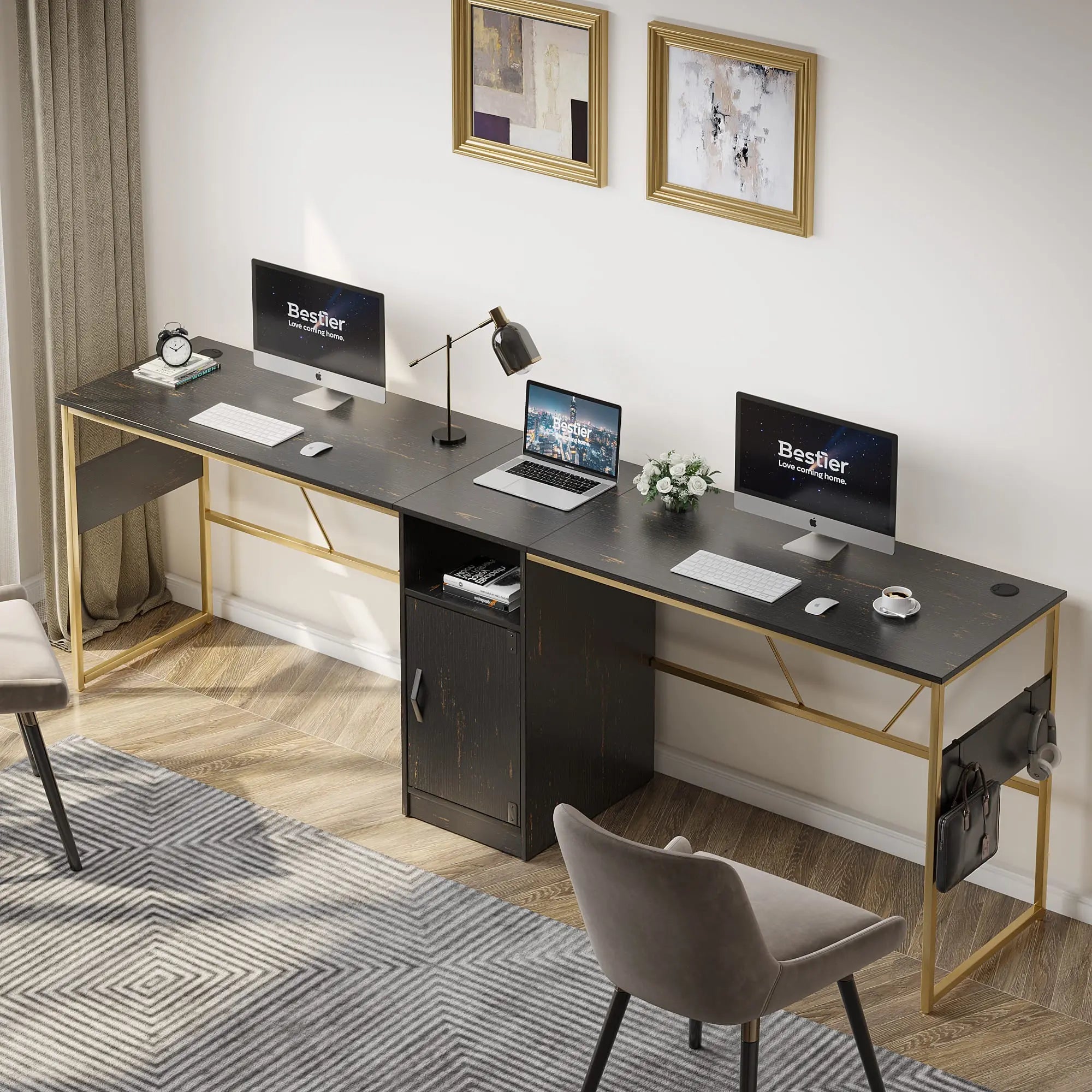
The 95-inch two-person L-shaped desk with shelves is a premier choice for dual-PC layouts. While marketed for two people, its massive surface area allows a single creator to dedicate one side to gaming and the other to encoding and production, with ample room for two full-sized towers on the integrated shelving.
When selecting any furniture for your home studio, prioritize indoor air quality. Bestier products are designed with understanding engineered wood safety standards in mind, adhering to CARB Phase 2 and EPA TSCA Title VI regulations to ensure low formaldehyde emissions—a critical factor for creators spending 8+ hours a day in a confined studio space.
Thermal and Vibration Management for High-Performance Towers
Two PCs generate twice the heat and twice the vibration of a standard setup. If both towers are placed directly on the desk surface, the combined vibration from high-RPM fans can travel through the desk and be picked up by sensitive condenser microphones.
Vibration Mitigation Strategies:
- Isolation Pads: Place high-density foam or rubber isolation pads under each tower to decouple them from the desk surface.
- Boom Arm Mounting: Use a clamped boom arm with a shock mount for your microphone rather than a desk stand.
- Airflow Clearance: Ensure at least 6 inches of clearance between the back of the towers and the wall to prevent heat pockets.
For those looking to enhance the visual appeal of their workspace, syncing RGB lighting with your gaming setup can help integrate the two systems into a cohesive aesthetic, using the desk's built-in LED features as a bridge between the two PCs.
FAQ
Can I run a dual-PC setup on a single power strip? It is generally not recommended to run two high-end gaming PCs on a single standard power strip. A typical 15A circuit supports roughly 1,800 watts; two PCs under load, plus monitors and peripherals, can approach or exceed this limit. Using a high-quality Power Distribution Unit (PDU) or spreading the load across two different circuits is safer and prevents sudden power loss during a stream.
What is the best desk material for a dual-PC setup? For a dual-PC setup, you need a material that balances weight capacity with stability. Engineered wood that meets CARB Phase 2 standards is an excellent choice because it provides the structural integrity needed to support 300+ lbs without the extreme cost or weight of solid hardwood. Ensure the frame is made of reinforced steel to prevent sagging over time under the weight of multiple monitors.
How do I prevent audio buzzing in a dual-PC setup? Audio buzzing is often caused by ground loops between the gaming and streaming PCs. To fix this, use a ground loop isolator on the 3.5mm audio cables connecting the two systems, or switch to an all-digital audio path using a USB audio interface with balanced XLR outputs. Keeping your audio cables away from high-voltage power cables also reduces electromagnetic interference.
Do I need two keyboards and two mice for a dual-PC setup? While you can use two sets of peripherals, many streamers prefer using a software solution like "Mouse without Borders" or a physical KVM switch to control both PCs with one keyboard and mouse. However, for competitive gaming, a dedicated mouse and keyboard for the gaming PC is preferred to eliminate any input lag introduced by switching hardware.
Is an L-shaped desk better than a straight desk for streaming? An L-shaped desk is typically superior for dual-PC streaming because it provides more "usable" depth. You can place your gaming monitors on one side and your streaming controls (like a Stream Deck, mixer, and encoding monitor) on the "L" return. This layout keeps everything within arm's reach without requiring an excessively long straight desk that might not fit in your room.
References
Government / Standards / Regulators
- OSHA Computer Workstation Guidelines
- EPA TSCA Title VI - Formaldehyde Standards for Composite Wood Products
- California Air Resources Board (CARB) Airborne Toxic Control Measure
