

Summary
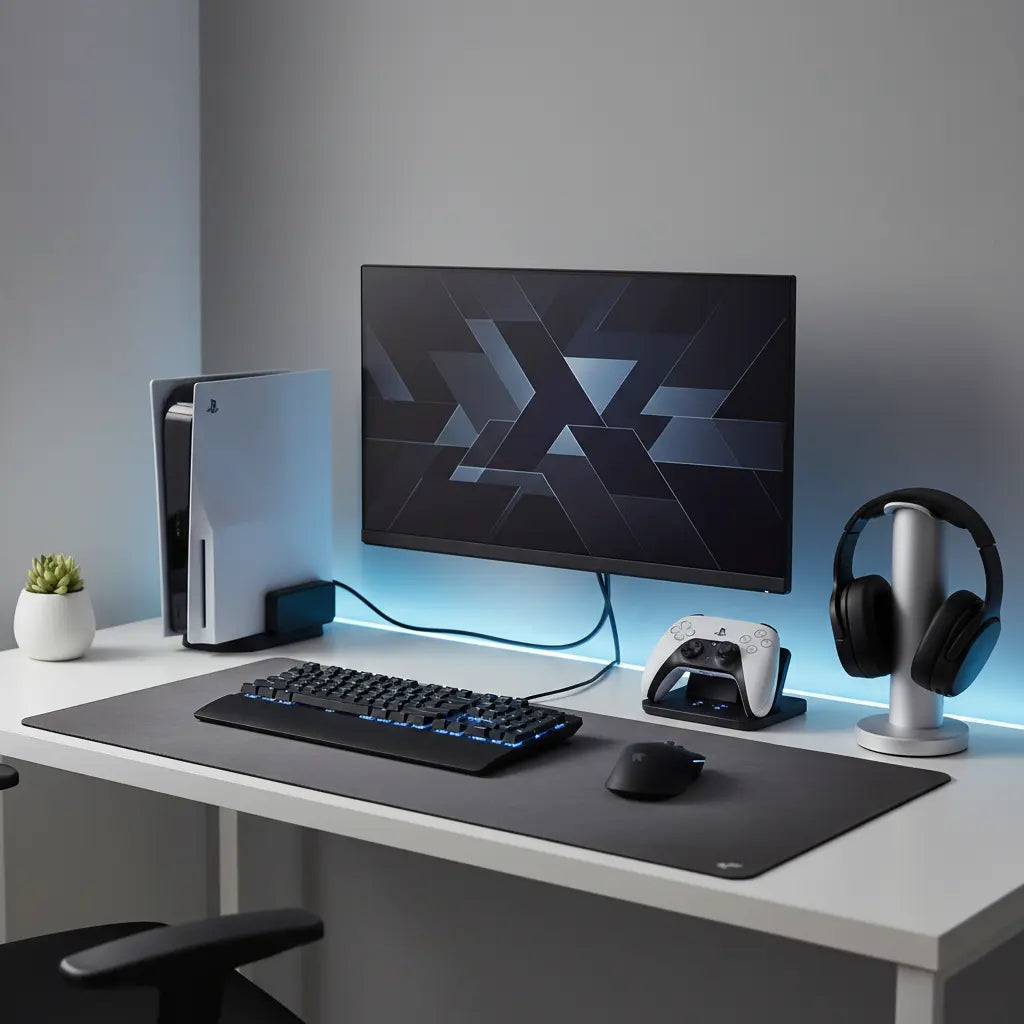
A high-performance Nintendo Switch desk setup prioritizes technical safety through USB-IF compliant docks and maximizes space with dedicated controller storage and integrated cable management. By aligning peripheral organization with ergonomic transitions, gamers can create a seamless experience between handheld and docked play.
Disclosure: This guide includes links to products in our store. We may receive a commission or benefit from purchases made through these links, which helps support our independent testing and content creation.

Key takeaways
- Prioritize Dock Safety: Only use third-party docks that strictly follow USB-C Power Delivery protocols (15V/2.6A) and include a 56k ohm resistor to protect your console's internal circuitry.
- Optimize Vertical Storage: Utilize wall mounts or under-desk brackets for controllers and headsets to keep the primary desk surface clear for gameplay.
- Master Cable Management: Use dedicated cable trays or routing channels to hide the bulky Nintendo Switch AC adapter and prevent "cable creep" in dual-monitor setups.
- Seamless Audio Integration: Implement a ground loop isolator or a dedicated mixer when routing Switch audio through a PC to eliminate buzzing and ensure high-fidelity sound.
- Future-Proof Your Furniture: Select desks with integrated LED lighting and modular storage that can adapt to evolving console hardware and peripheral needs.
Choosing the Right Desk for Your Nintendo Switch Ecosystem
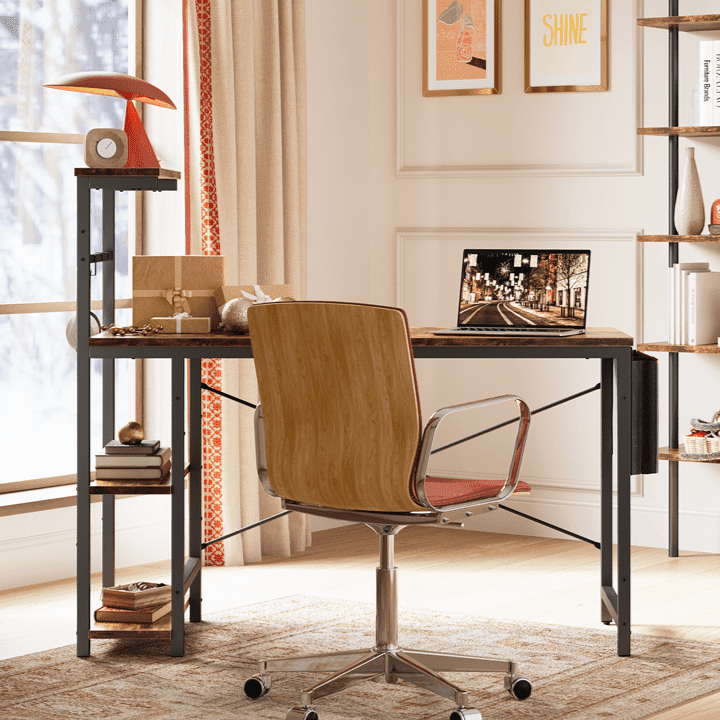
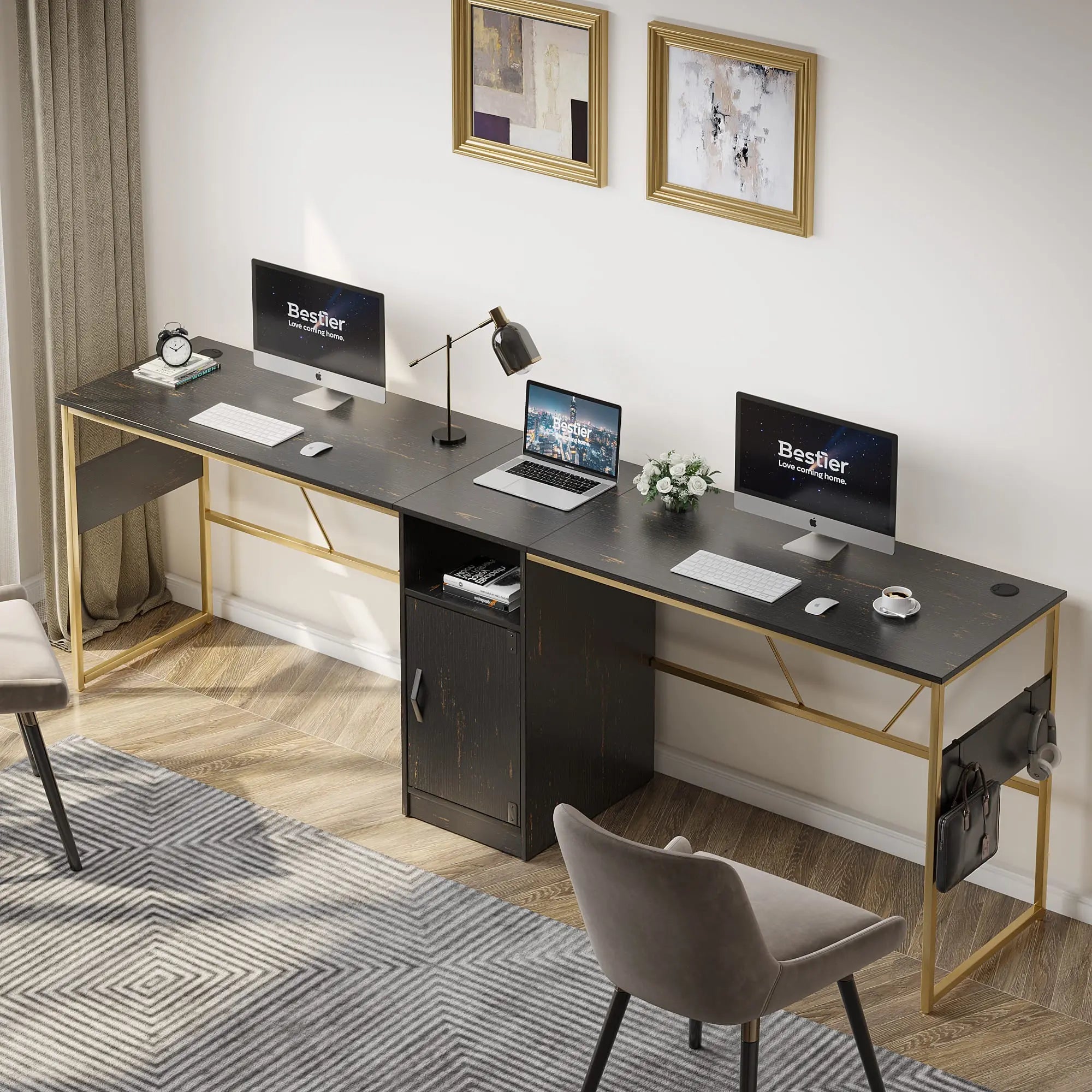
Selecting a foundation for your gaming setup involves more than just surface area; it requires a desk that supports the specific physical and technical needs of console gaming. While traditional office desks offer flat surfaces, a dedicated gaming desk often includes built-in features like headphone hooks, cup holders, and integrated cable management systems that are essential for maintaining an organized Switch environment. When choosing the right desk for your gaming setup, consider how the depth of the desk affects your viewing distance from the monitor, especially if you frequently switch between docked play and handheld mode at the desk.
For those looking to integrate their console into a wider room aesthetic, exploring gaming furniture collections can provide inspiration for pieces that balance utility with style. A desk with a built-in monitor riser can help elevate your screen to eye level, reducing neck strain during long sessions of The Legend of Zelda or Mario Kart. Furthermore, ensure the material of your desk meets modern safety standards. For instance, high-quality gaming desks often use materials that comply with formaldehyde emission regulations, as detailed in the Engineered Wood Safety: A Comprehensive Guide to CARB & TSCA Standards, which ensures that your indoor air quality remains high even in small gaming dens.
Logic Summary: The recommendation to choose a dedicated gaming desk over a standard office desk is based on the assumption that console gamers have higher-than-average peripheral needs (controllers, docks, headsets). This applies most strongly to users with limited space where integrated features provide the most value.
Technical Safety: Selecting a Reliable Third-Party Dock
Disclaimer: Using non-official docks or power adapters may void your manufacturer warranty. Always ensure third-party accessories are certified for use with the Nintendo Switch to avoid hardware damage.
The Nintendo Switch uses a non-standard implementation of the USB-C Power Delivery (PD) protocol, which has historically led to "bricking" issues when used with low-quality third-party docks. In 2026, while the market has matured, it remains vital to verify that any dock you purchase adheres to the 15V/2.6A power profile required by the Switch in docked mode (as specified in Nintendo’s official technical documentation). A safe dock must include a 56k ohm resistor; this is a critical safety component defined by the USB-IF standard to prevent the console from drawing more current than the power source can safely provide.
When evaluating docks, look for certifications from the USB Implementers Forum (USB-IF). While many compact "travel docks" are convenient for a minimalist desk setup, they often lack the thermal management found in the official Nintendo dock. If you opt for a third-party solution to save space, ensure it has an open design that allows for maximum airflow around the console's intake vents.
Visual Setup Tip: The 3-Inch Rule To prevent thermal throttling, place your dock so there is at least 3 inches (approx. 7.5cm) of open space behind the rear exhaust vents. Avoid placing the dock directly against a wall or inside a closed cabinet.
Organizing Controllers and Peripherals for Maximum Efficiency
A cluttered desk is the enemy of focus. For Switch gamers, the sheer number of Joy-Cons, Pro Controllers, and charging grips can quickly overwhelm a workspace. Implementing organization tips for gaming efficiency can help maintain a "flow state" by ensuring every peripheral has a designated home.
Consider these storage strategies:
- Charging Stations: Use a multi-controller charging dock that connects via USB to your main desk power hub. This keeps controllers upright and ready for use.
- Under-Desk Mounts: 3D-printed or commercial brackets can hold Pro Controllers beneath the desk surface, keeping them out of sight but within reach.
- Pegboards: A wall-mounted pegboard above the desk is an excellent way to display limited-edition Joy-Cons while keeping them organized.

Integrating Nintendo Switch with a PC Setup
Many gamers now utilize a "hybrid" setup where the Nintendo Switch shares a desk with a high-end gaming PC. This creates unique challenges for audio and video routing. To display your Switch on your PC monitor without constantly swapping cables, an HDMI switcher is a standard solution. However, for those who want to stream or record gameplay, a capture card is necessary.
Audio routing is often the most complex part of a dual setup. If you connect the Switch's 3.5mm audio jack directly to your PC's "Line In" port, you may experience a persistent buzzing sound known as a ground loop. Using a simple ground loop isolator—a small, inexpensive device that sits between the Switch and the PC—can eliminate this noise. Alternatively, a dedicated audio mixer allows you to blend PC audio (like Discord) with Switch game audio into a single headset.
Managing the Bulky AC Adapter and Cable Creep
The Nintendo Switch AC adapter is notoriously bulky, often blocking adjacent outlets on a standard power strip. To manage this, use a power strip with widely spaced outlets or "squid" style extenders. Cable management is particularly important for the Switch because the dock requires three distinct cables: power, HDMI, and often a LAN adapter for stable online play.
Use braided cable sleeves to bundle these three wires into a single "umbilical cord" that runs from the dock to the back of the desk. This prevents "cable creep," where wires slowly slide off the back of the desk due to gravity. For those using a console-friendly gaming entertainment center, ensure that the cable routing holes are large enough to accommodate the bulky head of the official Nintendo power adapter.
Aesthetic Integration: RGB Lighting and "Cozy Gaming" Trends
In 2026, the "cozy gaming" aesthetic—characterized by warm lighting, soft textures, and pastel colors—has become a dominant trend for Switch setups. Integrating your console into this look involves more than just a skin; it requires thoughtful lighting. Syncing LED lighting with your gaming setup can transform a sterile desk into an inviting space.
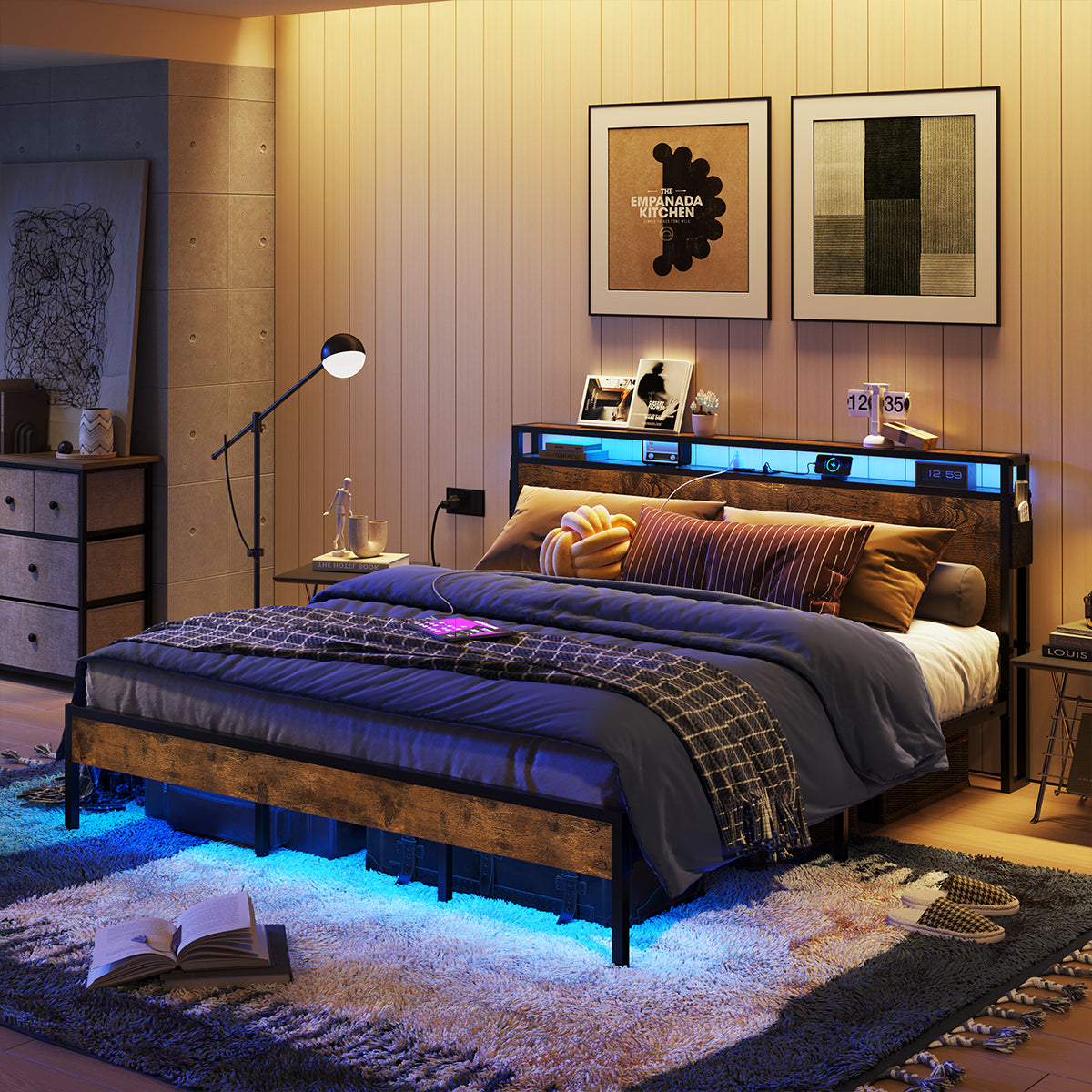
Many modern gaming desks come with built-in LED strips that can be customized to match the color palette of your favorite game. If you are using a Bestier desk, you can often browse LED gaming desks that offer remote-controlled or app-controlled lighting zones. For a truly immersive experience, consider syncing your desk's ambient lighting with the colors on your screen using third-party software or smart home integrations.
Logic Summary: Aesthetic recommendations are subjective but based on 2026 market data showing a high preference for "immersion-focused" lighting. These tips apply best to users who play in low-light environments.
The Ergonomics of Handheld-to-Desk Transitions
One of the unique features of the Nintendo Switch is its ability to transition from handheld to docked mode instantly. However, this can lead to ergonomic issues if your desk is not set up to accommodate both styles of play. When playing in handheld mode at your desk, you may find yourself hunching over the small screen, leading to "tech neck."
To mitigate this, consider a tablet stand that holds the Switch at eye level while you use a Pro Controller in tabletop mode. This allows for a more ergonomic posture without needing to dock the console to a large monitor. Additionally, ensure your gaming chair provides adequate lumbar support for both upright "focus" gaming and more relaxed handheld sessions.
Future-Proofing for the Next Generation of Nintendo Hardware
As we look toward the future of Nintendo gaming in 2026, it is important to build a desk setup that can adapt to new hardware. While the current Switch dock is compact, future iterations may have different footprints or power requirements. When selecting a desk or entertainment center, opt for modular designs with adjustable shelving.
Ensure your HDMI cables are at least version 2.1 to support higher refresh rates and resolutions that future consoles may offer. Furthermore, investing in a high-quality power delivery system with multiple USB-C ports will ensure you have the capacity to charge new peripherals as they are released. A forward-thinking setup saves you the cost and effort of a complete overhaul when the next big console arrives.
Essential Checklist for a Pro Switch Desk Setup
| Component | Recommendation | Why It Matters |
|---|---|---|
| Dock | Official or USB-IF Certified | Prevents console bricking and ensures 1080p output. |
| Power | 15V/2.6A PD Adapter | Required for the Switch to enter "Boost Mode" in the dock. |
| Storage | Vertical Controller Stand | Saves desk real estate and keeps batteries charged. |
| Audio | Ground Loop Isolator | Eliminates electrical buzzing when connected to a PC. |
| Cooling | 2-3 inches of rear clearance | Prevents the dock from trapping heat during long sessions. |
| Lighting | RGB LED Strips (CRI 90+) | Enhances aesthetics and reduces eye strain in dark rooms. |
FAQ
Can I use any USB-C phone charger to power my Nintendo Switch dock? While a phone charger might charge the Switch in handheld mode, most do not provide the specific 15V/2.6A power profile required to trigger the dock's video output. Using an underpowered charger can result in a blank screen or, in some cases, power delivery errors that could potentially harm the console's charging chip. It is always recommended to use the official AC adapter or a high-wattage USB-C PD charger that explicitly lists 15V support.
How do I prevent my Nintendo Switch from overheating while docked? To maintain optimal temperatures, ensure the dock is placed in an area with at least two to three inches of clearance behind the rear vents. Avoid placing the dock inside a closed cabinet or a tight cubby hole where hot air can recirculate. If you notice the fan running loudly, check for dust buildup in the console's intake vents and consider using a dock with an "open-air" design that exposes more of the console's back panel.
Is it safe to leave my Switch in the dock all the time? Yes, the Nintendo Switch is designed to be left in the dock. Modern lithium-ion battery management systems prevent the battery from overcharging by trickling the power once it reaches 100%. However, if you do not plan on using the console for an extended period (more than 6 months), Nintendo recommends charging it to about 50% and turning it completely off (not just Sleep Mode) to preserve long-term battery health.
What is the best way to store physical game cartridges on a desk? For quick access, a small "game library" stand that sits next to the dock is ideal. These often hold 10-20 games and allow you to see the spine of the cases. If you prefer a minimalist look, consider a drawer insert or a small travel case that can be tucked away when not in use. Avoid leaving cartridges loose on the desk, as the gold contacts are sensitive to dust and oils from skin contact.
Can I connect my Nintendo Switch to a laptop screen? Most laptops only have HDMI "Out" ports, meaning they cannot accept an incoming video signal from a Switch. To use your laptop screen as a monitor, you will need a USB capture card. The Switch plugs into the capture card, which then plugs into your laptop's USB port, allowing you to view the gameplay through software like OBS or a dedicated preview app. Note that this may introduce a small amount of input lag.
How do I sync my desk's LED lights with my Nintendo Switch? While the Switch does not natively support RGB sync protocols like Razer Chroma, you can achieve a similar effect using a camera-based sync system (like Govee) or an HDMI sync box. These devices analyze the colors on your monitor and adjust your desk's LED strips in real-time. Alternatively, you can manually set your desk lights to a static color that complements the game you are playing, such as deep green for Metroid or bright red for Mario.
What are the benefits of a wall-mounted Switch setup? Wall-mounting your Switch dock can save significant desk space and create a very clean, floating aesthetic. It also improves airflow by keeping the console away from other heat-generating equipment on your desk. However, ensure that the mount is securely fastened to a stud or uses appropriate anchors, and be mindful of cable lengths, as you will need longer HDMI and power cables to reach your monitor and outlet.
References
Government / Standards / Regulators
- USB Power Delivery Specification - USB-IF
- Formaldehyde Standards for Composite Wood Products - EPA TSCA Title VI
Platform official docs & policies
- Nintendo Switch Technical Specifications - Official Support
- How to Charge the Nintendo Switch Console - Official Guide
