





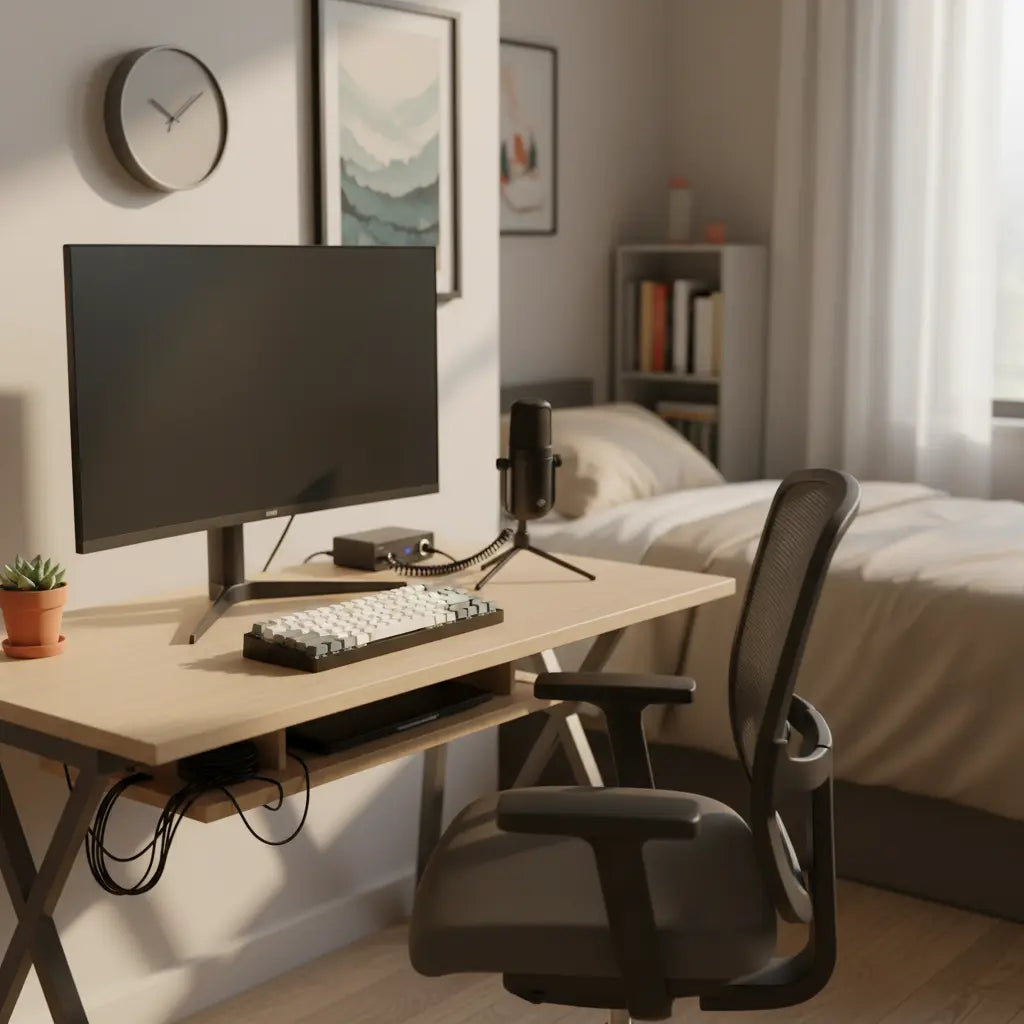
Why Desk Size and Stability Matter Most in a Budget Creator Setup
For dual-purpose streaming and editing, your desk surface is the foundation of your workflow. A cramped workspace often leads to "peripheral clutter," forcing you to constantly move microphones or notes, which can disrupt your creative flow and look disorganized on camera.
While individual needs vary based on hardware, a 47-inch width is typically a reliable starting point for a single-monitor setup. If you are running dual 24-inch monitors, a 55-inch width is often the practical minimum to prevent screens from overhanging the edges or encroaching on your mouse space. These estimates assume standard monitor stands; using monitor arms can reclaim surface area, potentially allowing for a slightly smaller footprint.
As this OSHA purchasing guide suggests, furniture should be evaluated against specific task requirements to avoid "buyer's remorse." Beyond width, desk depth is a critical variable. A depth of at least 24 inches is generally recommended to maintain a comfortable focal distance; desks shallower than this may lead to eye strain unless you use a wall-mount or a clamp-on monitor arm to push the screen back.
Stability is equally vital. A lightweight frame that wobbles during intense typing or mouse movements can cause "camera shake" during a live stream. When shopping under $500, look for T-leg or K-leg steel frames, which typically offer better lateral stability than thin, four-legged designs. Ensuring your thighs have clear clearance—avoiding thick center drawers—helps maintain a neutral posture, a key recommendation in Penn State ergonomics resources.
How to Allocate Your Under-$500 Budget for Maximum Value
On a tight budget, your spending priority should be the "bones" of the setup—the desk and basic ergonomics—before investing in aesthetic extras like RGB lighting.
Recommended Budget Breakdown (Estimates)
- The Desk ($180–$250): Prioritize a 47"–55" surface with a reinforced steel frame.
- Ergonomics ($80–$120): An adjustable task chair or a sturdy monitor riser/arm.
- Lighting ($40–$60): A dedicated key light. In many indoor environments, controlled lighting improves video quality more significantly than a camera upgrade.
- Cable Management ($20–$40): Under-desk trays and reusable ties.
- Remaining ($30–$80): A basic boom arm or an oversized desk mat.
Choose Your Path: Where to Prioritize
Depending on your primary content type, you may want to shift your budget:
- The "Audio-First" Branch (Podcasting/Streaming): If you use a heavy XLR microphone, allocate more toward a high-quality C-clamp boom arm to prevent desk vibrations from reaching the mic.
- The "Visual-First" Branch (Editing/Color Grading): If you spend hours in a timeline, prioritize a dual-monitor arm and a chair with lumbar support over high-end lighting.
- The "Small Space" Branch: If your desk must be under 40 inches, invest in vertical storage (floating shelves) to keep the surface clear for your mouse and keyboard.
| Component | If Budget is Tight... | The Trade-off |
|---|---|---|
| Monitor Arm | Use a wooden riser or the included stand. | Less desk "real estate," but maintains ergonomic height. |
| Mic Arm | Use the tripod stand included with most USB mics. | Occupies desk space and may pick up keyboard vibrations. |
| Pro Lighting | Position your desk facing a window for natural light. | Limited to daytime; brightness varies with weather. |
| Storage | Use wall-mounted shelves instead of desk drawers. | Requires installation but preserves legroom and footprint. |
Recommended Budget Split for a Creator Desk Setup (Under $500)
Illustrative budget split, not official stats.
View chart data
| Category | Example allocation ($) |
|---|---|
| Desk | 220 |
| Ergonomics & Lighting | 140 |
| Cable Management | 40 |
| Accessories | 100 |
Heuristic allocation based on the provided article guidance: prioritize a stable desk, ergonomics, lighting, and cable management over decorative items; total budget capped under $500. Values are illustrative example dollar splits, not measured market data.
The "60-Second Pivot": Switching Between Streaming and Editing
A professional workstation should handle two distinct workflows without a total teardown. Use these positioning heuristics to switch modes:
- Editing Mode: Center your primary monitor and keyboard. Ensure your mouse has a clear "sweep" zone for timeline scrubbing. Keep the microphone arm retracted to ensure an unobstructed view of the screen.
- Streaming Mode: Pull the microphone arm to within 6–8 inches of your mouth. If using a second monitor for chat, angle it slightly toward your peripheral vision. This allows you to monitor the community without fully turning your head away from the camera lens.
- The Quick Switch: Use a monitor arm to keep the "clutter" off the main surface, allowing you to slide your keyboard back and bring a drawing tablet or script notes forward instantly.
Essential Ergonomics for Long Creator Sessions
Proper setup prevents the neck and shoulder strain that often cuts editing sessions short. Position your monitor directly in front of you so the top third of the screen is at eye level. According to VA Whole Health ergonomics guidance, maintaining a neutral viewing angle helps prevent "forward head posture."
Keep your keyboard and mouse at a height where your elbows can maintain an approximate 90-degree angle. In compact rooms, be wary of desks with deep center drawers; these often force you to lower your chair, which can ruin your elbow-to-desk alignment. A simple monitor stand can achieve the right height without the cost of a full standing desk.

Must-Have Accessories That Improve Production Quality
Beyond the desk, focus on items that directly support your video output. A basic softbox or ring light provides consistent face lighting—often creating a more "professional" look than an expensive camera used in poor, overhead lighting.
Cable management is a high-impact, low-cost upgrade. Use sleeves and clips to hide cords from the camera's field of view. A clean background suggests a level of detail and care that builds trust with your audience.

Step-by-Step Setup Checklist for Your Budget Workstation
The Goal: A pro setup is defined by stability and eye-level alignment, not the price tag. Use this 6-point check to verify your workstation:
- Width Check: Does the desk accommodate your monitors with at least 6 inches of "buffer" space on each side for mouse movement and mic placement?
- Stability Test: Lean on the front edge. Does it tip or wobble? If so, check bolt tightness or consider a wall-anchor.
- The Eye-Level Rule: Is the top third of your monitor at eye level? Use a riser or arm if it is too low.
- The "Elbow Test": Sit in your chair with hands on the keyboard. Are your shoulders relaxed and elbows at roughly 90 degrees?
- Background Audit: Turn on your webcam. Are there messy cables or distracting clutter visible in the frame?
- The 20-Minute Trial: Sit for a mock session. If you feel the urge to slouch or lean within 20 minutes, adjust your monitor height or chair support immediately.
This self-check, inspired by UCLA ergonomics steps, helps catch setup errors before they become chronic habits.
Recommended Desk Options and Where to Start Shopping
Look for desks in the 44–61 inch range. Features like reversible shelves or built-in power strips add significant value for creators in small apartments. Prioritize durable laminate or carbon fiber textures that resist the wear of heavy daily use.
- Explore budget gaming desks under $200 for high-value features.
- If you're focused on short-form video, review this TikTok studio setup guide.
- For broader inspiration, see the ultimate pro streamer and content creator setup guide.
- When selecting size, consult how to choose the perfect desk size.
Common Pitfalls and How to Avoid Early Regret
The most common mistake for new creators is choosing "aesthetic" over "utility." For example, a glass-top desk may look sleek, but it is difficult to mount microphone arms to and shows every fingerprint on camera.
Similarly, a desk that is too shallow (less than 24 inches) may place the monitor too close to your eyes, potentially leading to fatigue. Another frequent regret is ignoring cable routing; a desk without a "cable tray" or grommet holes will eventually become a mess of wires that makes troubleshooting gear difficult.
If you are working in a studio apartment or dorm, review small gaming desk ideas for space-maximizing strategies.
Important Note on Comfort and Setup: This article discusses general ergonomics and workspace organization for content creation. It is not medical advice. Individual needs vary, and proper setup depends on your body, existing equipment, and room conditions. If you experience persistent discomfort, neck pain, or eye strain, consult a qualified healthcare professional or ergonomics specialist.
Building a pro creator desk under $500 is achievable when you prioritize stability and workflow over flashy accessories. Start with a solid surface, dial in your ergonomics, and keep your cables tidy. Your content will look better, and your body will thank you during those long editing marathons.
