





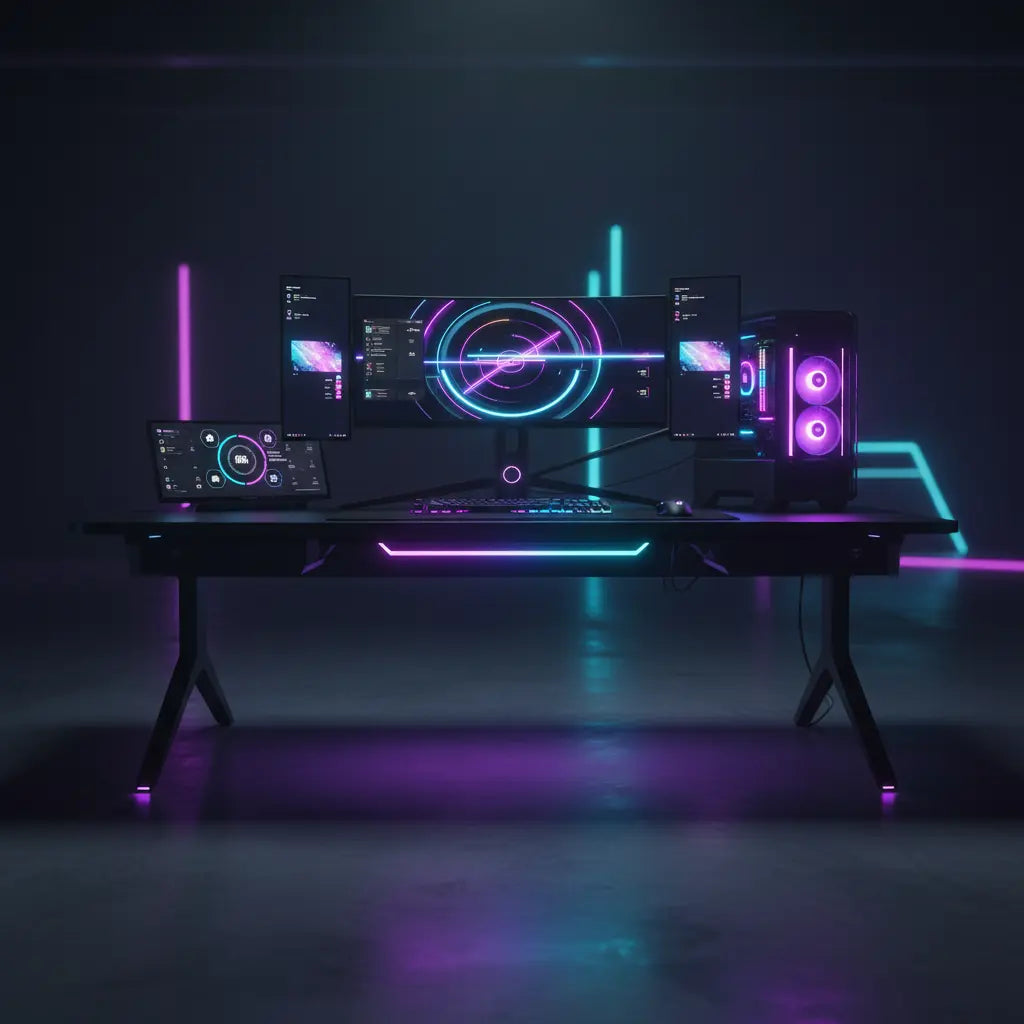
The Ultimate Guide to Building a Smart Gaming Desk Ecosystem
Building a smart gaming desk ecosystem in 2026 means creating a battlestation where lighting, power, and controls work together seamlessly. The key is choosing components that match your room, existing devices, and priorities—whether that's vibrant RGB sync for immersion or reliable Matter-based integration for smart home routines. When planned around one primary control path and practical cable routing, the setup delivers both stunning visuals and day-to-day usability without constant troubleshooting.
Why a Smart Gaming Desk Ecosystem Matters in 2026
The gaming desk has evolved beyond a flat surface into a connected hub. Gamers and streamers now expect lighting that reacts to gameplay, power solutions that keep devices charged without clutter, and controls that integrate with voice assistants or apps. This shift is driven by the rise of Matter as the current smart-home standard designed to improve interoperability across supported devices and ecosystems, along with complementary technologies like Thread that enhance connectivity and reliability.
A well-designed ecosystem reduces visual distractions during intense sessions while providing camera-ready lighting for streaming. It also addresses common pain points like cable chaos and incompatible apps. However, success depends heavily on matching the setup to your specific scenario rather than chasing every flashy feature.

First Filter: Do You Need a Full Smart Ecosystem?
Not every battlestation requires deep smart integration. Start by asking whether your goals justify the added complexity. If you primarily want synchronized RGB effects across your desk, PC case, and peripherals, committing to one ecosystem or compatible platform yields the best results. For multi-brand smart homes, prioritize Matter-compatible options to minimize friction.
Those focused mainly on clean aesthetics and ergonomics can achieve strong results with simpler lighting and robust cable management. As one safety resource explains, proper desk cable management helps reduce electrical and trip hazards, making organization a foundational step regardless of smart features.
Choosing the Right RGB Lighting and Sync Options
RGB desk sync creates immersive experiences when your desk lighting responds to in-game events or music. Software like Razer Chroma, Govee, or PC-focused tools can link desk strips to your graphics card or peripherals, but results are strongest within a consistent ecosystem.
The Streamer’s Lighting Audit: Brightness & Glare
For those on camera, lighting isn't just about color; it's about visibility. To verify your setup, perform these checks:
- The Glare Test: Turn on your monitors and desk lights. Use your phone camera to look for "hotspots" (bright white reflections) on your screen. If they appear, adjust the light angle or use a diffuser.
- Exposure Balance: Sit in your chair and check your webcam feed. If your face looks "washed out" or too dark compared to the background, adjust the desk light's color temperature. Aim for a range between 3200K (warm) and 5600K (cool/daylight) to find a natural skin tone.
- Flicker Check: Some low-quality LEDs flicker on camera. Record a 5-second clip; if you see moving bands of light, you may need lights with a higher PWM frequency or "flicker-free" certification.
Our RGB vs. LED Lights: Which Is Better for Gaming Setup? article explores these differences in detail for various gaming needs.
Compatibility Verification & Troubleshooting Flow
The biggest headache in 2026 remains "software wars"—where different RGB apps fight for control. Use this checklist before buying:
- Identify the Master Controller: Will you use a PC app (SignalRGB, Razer Synapse), a mobile app (Govee, Hue), or a Smart Home Hub (Apple Home, Google Home)?
- Verify the Protocol: Does the device use Wi-Fi (easy but crowds the router), Bluetooth (short range), or Thread (requires a border router but is more stable)?
- Check for "Local Control": Ensure the device can be controlled without a cloud connection to reduce latency.
Troubleshooting Steps (If Sync Fails):
If your lights aren't matching your screen or peripherals, follow this order:
- Step 1: Power Cycle. Unplug the controller for 30 seconds.
- Step 2: Check for Plugin Conflicts. If using PC software, ensure only one app has "Control Device" permissions enabled.
- Step 3: Update Firmware. Check the manufacturer's app for "OTA Updates."
- Step 4: The "Fail Signal" Check. If you experience persistent lag (over 500ms) or "ghosting" (colors stuck on the last frame), it usually indicates a bandwidth bottleneck or an incompatible bridge. In these cases, it is often better to revert to a single-brand ecosystem for that specific zone.
Smart Home Integration: Verifying Matter and Thread Standards
Matter has become the go-to standard for reducing compatibility headaches in 2026. However, "Matter-compatible" doesn't always mean "plug and play."
What to look for on the box/specs:
- Matter over Thread: This is the gold standard for 2026. It is faster and more reliable than Wi-Fi.
- Thread Border Router Required: Check if your existing smart speaker (like a HomePod or Echo) acts as a border router. If not, you'll need to buy one.
- Commissioning Code: Ensure the device includes a QR code or numeric setup code; without this, Matter integration is impossible.
If your home already uses multiple ecosystems, selecting Matter-compatible RGB desk lights future-proofs your investment. Our How to Sync Bestier LED Furniture with Govee & Philips Hue: The 2026 Integration Guide details bridging options and best practices.
Integrating with Your Gaming PC and Peripherals
Syncing desk RGB lighting with your gaming PC transforms the experience. Many modern desks include built-in LED strips controllable via the same software as your case fans and keyboard.
Start by verifying that your chosen lighting supports your PC's RGB ecosystem. Test one component first before expanding to the full desk. This approach prevents compatibility surprises and lets you confirm sync behavior in your actual environment. For voice control, pairing with Alexa or similar assistants adds convenience. Check our guide on Smart Home Furniture: Syncing Bestier with Razer Chroma & Alexa for practical integration steps.
Scenario-Based Priorities for a Smart Gaming Desk Ecosystem
Illustrative decision framework for component choice; values are heuristic 1-10 relative priorities, not measured data.
View chart data
| Category | Sync Importance | Cable Priority | Matter Value |
|---|---|---|---|
| Small / Renter / Gaming | 4 | 9 | 6 |
| Small / Renter / Streaming | 6 | 8 | 8 |
| Large / Fixed / Gaming | 6 | 6 | 7 |
| Large / Fixed / Streaming | 8 | 5 | 9 |
Power Management and Cable Organization Strategies
Integrated power solutions, such as desks with built-in outlets, USB ports, and Type-C charging, keep your desktop clean. These features support multiple devices without extra power strips, but require attention to total load limits for safety.
Safety Audit for Power:
- Check the Wattage: Ensure your total device draw (PC + Monitors + Lights) doesn't exceed the desk's rated capacity (usually found on the underside sticker).
- Strain Relief: Ensure cables have enough "slack" so that when you adjust a monitor or sit down, the ports aren't being pulled.
- Heat Management: Keep power bricks in ventilated trays rather than tucked behind fabric or foam.
Explore 5 Cable Management Hacks for LED Gaming Desks for material-specific tips and safety considerations. For comprehensive desk selection, see our Best L-Shaped Gaming Desks for Ultimate Gaming Setups.

Scenario-Based Decision Framework
The best choices vary significantly by your setup.
- Small/Renter Spaces: Prioritize "Matter over Wi-Fi" to avoid needing extra hubs. Focus on cable clips to keep the floor clear.
- Streaming Setups: Prioritize tunable white light (CCT) and high-CRI (Color Rendering Index) LEDs to ensure you look natural on camera.
- Hardcore Gaming: Prioritize low-latency sync (Thread or direct USB connection) to ensure lights react instantly to explosions or screen changes.
Practical Setup Checklist
Follow this sequence to build successfully:
- Verify Standards: Check for Matter/Thread logos and confirm your "Master Controller" (PC vs. Hub).
- Map Power: Calculate total wattage and plan cable routes to avoid heat buildup.
- Component Test: Connect and pair your lights before sticking them to the desk to ensure the signal is strong.
- Lighting Audit: Use a camera to check for glare and flicker; adjust angles accordingly.
- Safety Audit: Check for exposed wires, ensure no cables are under tension, and verify app stability.
For more setup inspiration, read How to Design Your Ultimate Gaming Battlestation and Pro Cable Management Tricks for a Clean Gaming Setup.
Common Pitfalls to Avoid
Avoid overcommitting to complex sync if your setup changes frequently. App-dependent features require ongoing maintenance, and mismatched ecosystems can lead to frustration. Prioritize safety by never exceeding power ratings and keeping cables away from heat sources or foot traffic. If you frequently reconfigure your space, modular solutions with minimal hardwiring provide more flexibility than fully integrated systems.
Recommended Products and Next Steps
Consider desks with built-in power and lighting for streamlined starts. The Bestier 42" Reversible L-Shaped Gaming Desk with Power Outlets LED Lights and Monitor Stand &Storage Shelves & Hooks for Bedrooms & Home Offices offers convenient charging and LED integration suitable for many smart ecosystems.
Review Gaming Desk Reviews: L Shaped Desk with Charging Port & LED for detailed insights. Also explore Boost Your Gaming Immersion with LED Gaming Desks and Lighting for performance tips.
Important Note on Comfort and Setup: This article discusses comfort, lighting preferences, and setup advice for gaming desks. It does not constitute medical advice, diagnosis, or treatment. Lighting choices may feel more comfortable in some setups but results vary by individual and environment. If you experience persistent eye discomfort or have existing conditions, consult qualified professionals. Always prioritize safety and ergonomics in your configuration.
Building your smart gaming desk ecosystem is an iterative process. Start small, test thoroughly, and expand based on what delivers real value in your space. With thoughtful planning around compatibility, power, and organization, you'll create a battlestation that's both technologically advanced and practically enjoyable for gaming and streaming.
