
Summary
Building a high-performance creator studio in 2026 requires a holistic approach that balances ergonomic furniture, technical infrastructure, and psychological zoning to ensure long-term productivity and content quality. This blueprint provides a comprehensive framework for aspiring and professional creators to optimize their workspace for video production, live streaming, and creative longevity.
Cluster map

Key takeaways
- Ergonomic Foundation: Prioritize modular furniture with integrated power and cable management to support multi-monitor and multi-camera configurations.
- Technical Infrastructure: Calculate total power load (typically 1,500W–2,000W for pro setups) to prevent circuit overloads and equipment damage.
- Psychological Zoning: Implement distinct "Creative," "Technical," and "Rest" zones within your studio to mitigate burnout and enhance focus.
- Health & Safety: Ensure all engineered wood furniture meets CARB Phase 2 and EPA TSCA Title VI standards for indoor air quality.
- Smart Integration: Utilize Matter-compatible devices for unified control of lighting, acoustics, and environmental settings.
Designing a professional creator studio is no longer just about buying a desk and a camera; it is about engineering an environment that facilitates flow and maintains technical excellence. As the creator economy matures in 2026, the distinction between hobbyist and professional often lies in the invisible details: the stability of the power grid, the quality of the air, and the psychological layout of the room. This guide serves as the definitive pillar for your studio journey, mapping out the essential components of a high-performance workspace.
Cluster map
To help you navigate specific aspects of studio design, we have developed a series of specialized guides. Use the table below to explore deep dives into individual topics.
| Topic Area | Detailed Guide |
|---|---|
| Furniture Strategy | Modular Furniture for YouTube & Twitch |
| Feature Requirements | Essential Desk Features for Streamers |
| Space Optimization | Zone-Based Design for Small Rooms |
| Desk Configurations | L-Shaped Desks for Dual Monitors |
| Visual Aesthetics | YouTube Background Ideas with LED Furniture |
| Technical Wiring | Cable Management Hacks for LED Desks |
Ergonomics and Modular Furniture Selection
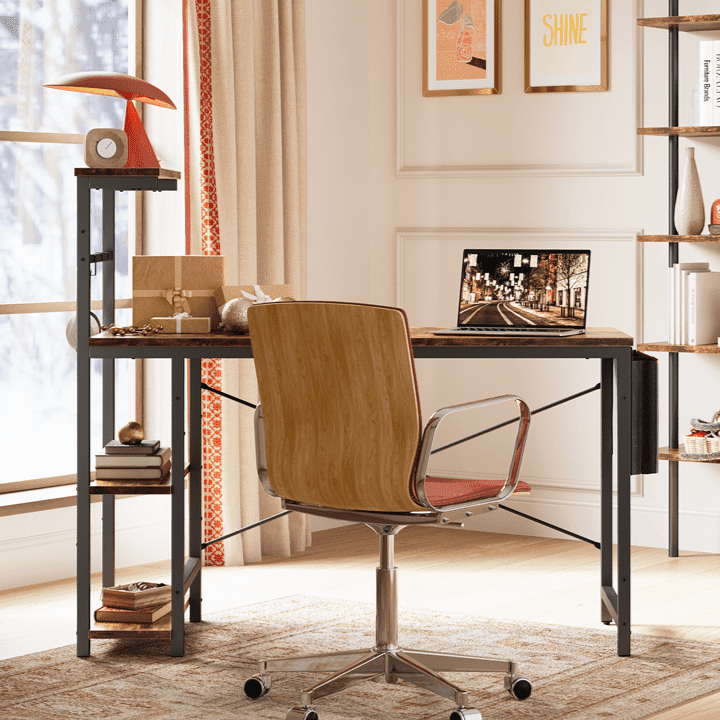
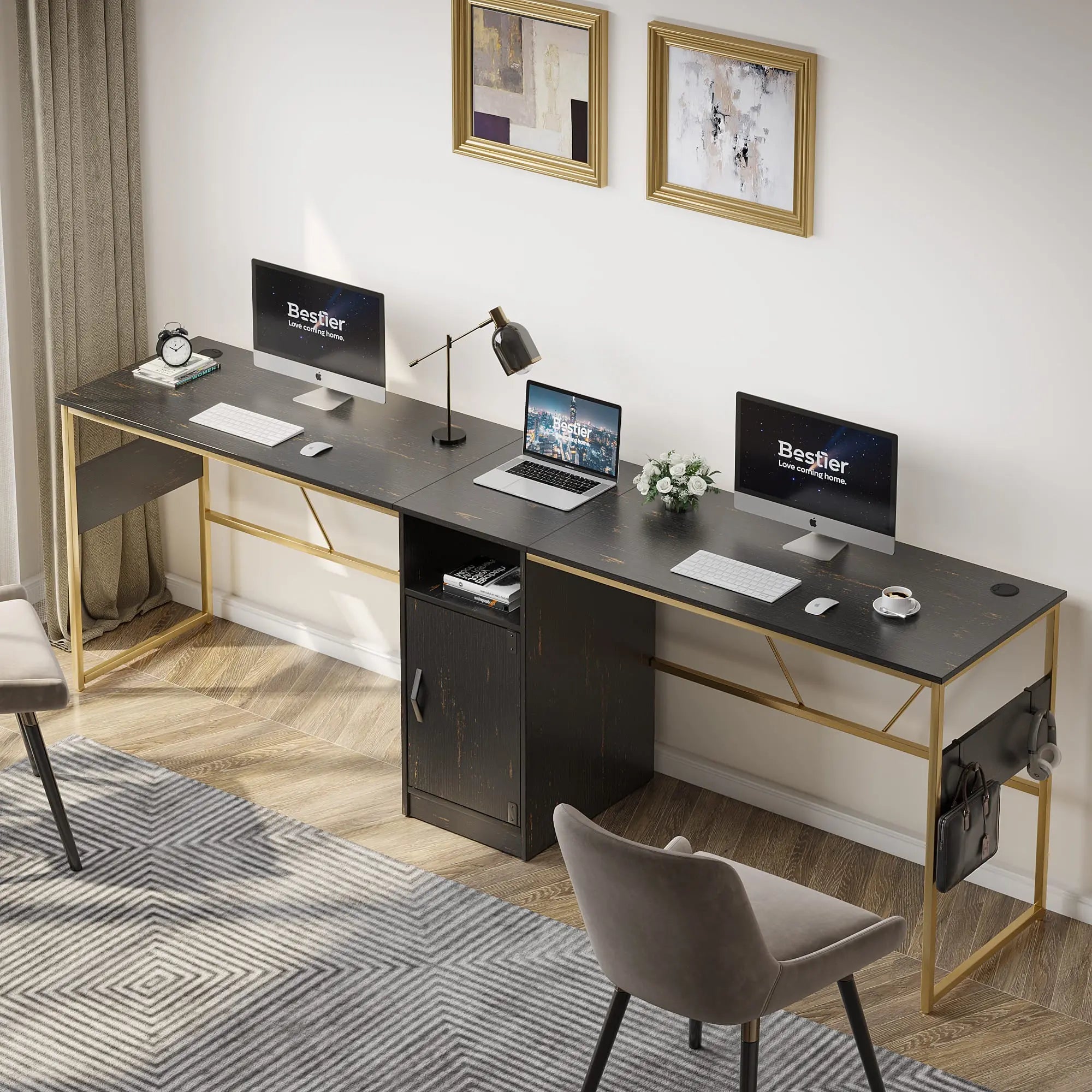
The desk is the literal foundation of your studio. In a high-performance environment, a standard office desk often falls short because it lacks the weight capacity for heavy boom arms or the depth required for large-format monitors. Professional creators are increasingly turning to modular furniture design blueprints that allow for iterative upgrades as their gear list grows.
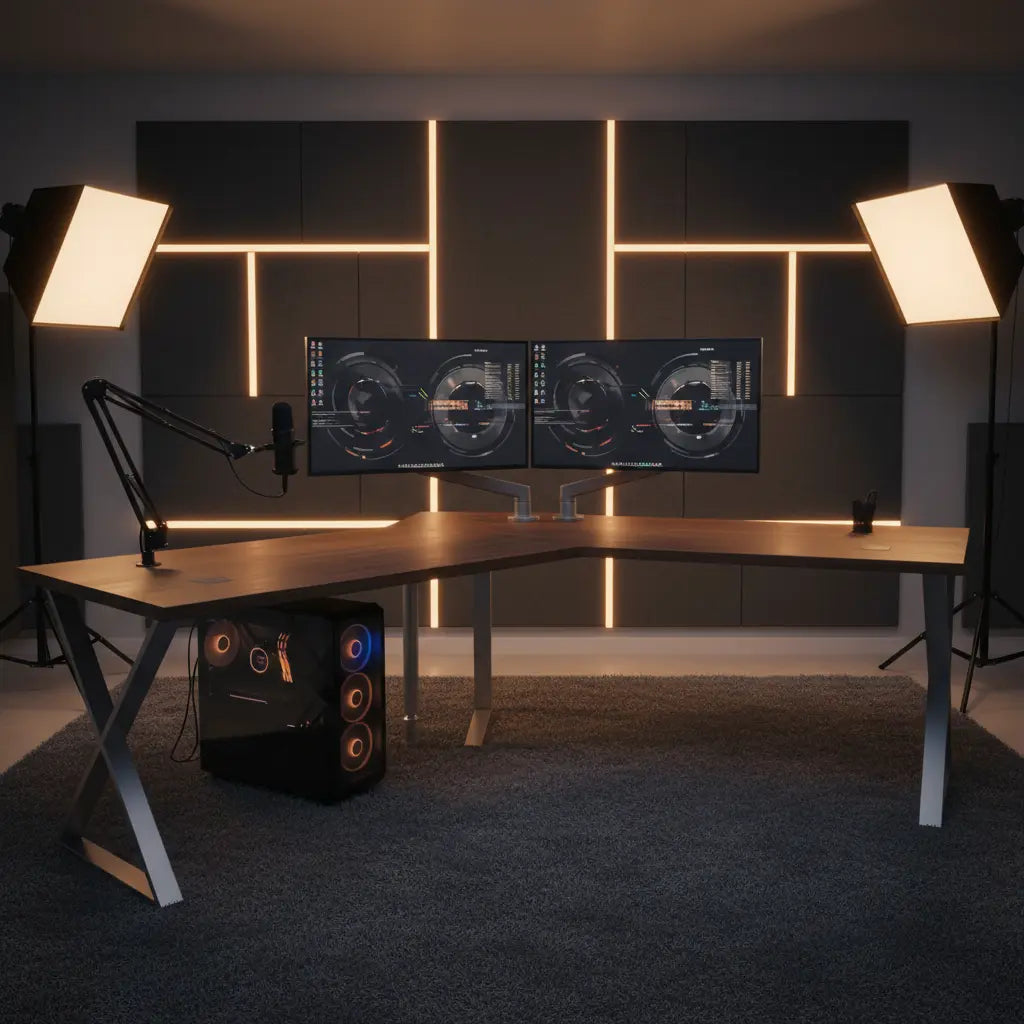
When selecting your primary workspace, look for essential desk features for professional streaming such as built-in power strips, monitor risers, and reinforced steel frames. Stability is paramount; a wobbly desk can introduce micro-vibrations into your camera feed, particularly during high-energy moments. For those managing complex workflows involving multiple screens and peripherals, L-shaped desk configurations for dual monitor setups offer the necessary surface area without sacrificing accessibility.
Logic Summary: Ergonomic recommendations are based on standard anthropometric data and the typical weight of pro-sumer video equipment. We assume a multi-monitor setup (27"+) and at least two heavy-duty boom arms.

Space Planning and Psychological Zoning
One of the most overlooked aspects of studio design is the psychological impact of the environment. Spending 8–12 hours a day in a single room can lead to creative fatigue and burnout. To combat this, we recommend zone-based layout optimization for small spaces to create mental separation between different tasks.
A high-performance studio should ideally be divided into three distinct zones:
- The Creative Zone: Your primary desk setup where recording and editing happen. This area should be optimized for flow and minimal distraction.
- The Technical Zone: A secondary area for storage, charging stations, and server racks. Keeping "clutter" in a dedicated zone reduces visual noise during filming.
- The Restorative Zone: A small corner with comfortable seating, away from screens, where you can brainstorm or take breaks. This helps reset your dopamine levels and prevents the "office-as-prison" feeling.
Technical Infrastructure: Power and Connectivity
A common failure point in home studios is the electrical infrastructure. A professional setup—comprising a high-end PC, multiple monitors, studio lights, and audio interfaces—can easily pull 1,500W to 2,000W. Standard US residential circuits are typically rated for 15 Amps (approx. 1,800W total). Running your entire studio on a single circuit alongside a space heater or air conditioner is a recipe for tripped breakers and potential data loss.
We recommend a "Power Load Audit" before finalizing your layout. Map out which outlets are on which circuit and distribute your heavy-draw items (PC and lights) across different circuits if possible. Furthermore, invest in a high-quality Uninterruptible Power Supply (UPS) for your primary workstation. This provides a buffer against voltage sags and gives you time to safely shut down during a power failure.
Materials Safety and Sustainability
As you spend significant time in your studio, indoor air quality becomes a critical health factor. Many budget-friendly furniture options use engineered woods that may off-gas formaldehyde. To ensure a safe working environment, it is vital to verify engineered wood safety standards and compliance.
According to the authoritative guide on the subject, you should look for furniture certified by the California Air Resources Board (CARB) Phase 2 or the EPA TSCA Title VI. These standards strictly limit formaldehyde emissions to 0.05 parts per million (ppm) or less for materials like MDF and particle board. Choosing compliant furniture is not just a regulatory hurdle; it is a long-term investment in your respiratory health and cognitive performance.
Advanced Cable Management for Multi-Cam Setups
High-performance studios often involve multiple camera angles (A-roll, top-down, and side-view). This creates a "cable spiderweb" that can be both a trip hazard and an eyesore. Beyond basic cable management solutions for LED desks, professional setups require a structured approach.
Use "under-desk trays" for power bricks and "cable spines" for vertical runs to the floor. For multi-cam setups, consider using color-coded HDMI and XLR cables to quickly troubleshoot connection issues. Labeling both ends of every cable—while tedious during setup—will save hours of frustration during a live broadcast when a signal drops.
| Component | Recommended Management Tool | Purpose |
|---|---|---|
| Power Bricks | Under-desk wire baskets | Clears floor space and improves airflow. |
| Moving Arms | Velcro wraps (not zip ties) | Allows for easy adjustments without cutting. |
| Vertical Runs | Flexible cable spines | Protects cables from pets and vacuum cleaners. |
| Signal Cables | Color-coded labels | Simplifies troubleshooting during live events. |
FAQ
How much space do I really need for a professional creator studio? While you can start in a closet (a "cloffice"), a high-performance studio typically requires at least 100 square feet (10' x 10') to accommodate proper lighting angles and acoustic treatment. This space allows for the "three-point lighting" setup—key, fill, and backlighting—without the lights being too close to the subject, which can cause harsh shadows or excessive heat.
What is the most important piece of furniture to invest in first? The desk is the most critical investment because it dictates your ergonomics and equipment layout. A high-quality desk with a weight capacity of at least 150 lbs is necessary to support the combined weight of multiple monitors, boom arms, and a heavy PC case. Look for models with integrated power strips to reduce the number of cables running to the wall.
How do I stop my studio from getting too hot during long recording sessions? Studio lights and high-end PCs generate significant heat. To manage this, ensure your furniture has an "open-back" design for better airflow and consider positioning your PC on a dedicated stand rather than the floor to improve intake. In 2026, many creators are also using smart-integrated fans that trigger automatically when the room temperature exceeds a certain threshold.
Are LED lights in furniture just for aesthetics? While often used for "vibe," integrated LED lighting serves a functional purpose in video production. It can act as "practical lighting" in your background, providing depth and separation between you and the wall. When synced with your PC or smart home system, these lights can also serve as visual indicators (e.g., turning red when you are "On Air").
Do I need professional acoustic foam for my studio? Acoustic treatment is essential, but "foam" is often less effective than mineral wool or fiberglass panels. Your goal is to reduce "slap back" echo. Start by covering at least 20-30% of your wall surface area, focusing on the "first reflection points" (the spots on the walls directly to your left and right when sitting at your desk).
What is the Matter protocol and why does it matter for my studio? Matter is a universal smart home standard that allows devices from different brands (like Apple, Google, and Amazon) to work together seamlessly. In a 2026 studio, Matter-compatible lighting and plugs allow you to create "Scenes." For example, a "Recording" scene could automatically dim the room lights, turn on your studio panels, and activate your "On Air" sign with a single voice command.
References
Government / Standards / Regulators
- EPA Formaldehyde Standards for Composite Wood Products
- California Air Resources Board (CARB) Airborne Toxic Control Measure
Industry Associations / Research Institutes
- Audio Engineering Society (AES) Standards on Room Acoustics
- Society of Motion Picture and Television Engineers (SMPTE) Video Quality Guidelines
Platform Official Docs
- YouTube Creator Academy: Setting Up Your Studio
- Twitch Creator Camp: Hardware and Software Requirements
